Your all-in-one import and export extension for Magento 2 and Adobe Commerce:

 Made in Germany
  easy composer installation
 Improved Import PWA Ready
 PHP 8.4 compatible
Built for recent Magento Open Source and Adobe Commerce versions, with support for Adobe Commerce on Cloud Infrastructure, B2B workflows, and omnichannel commerce.
















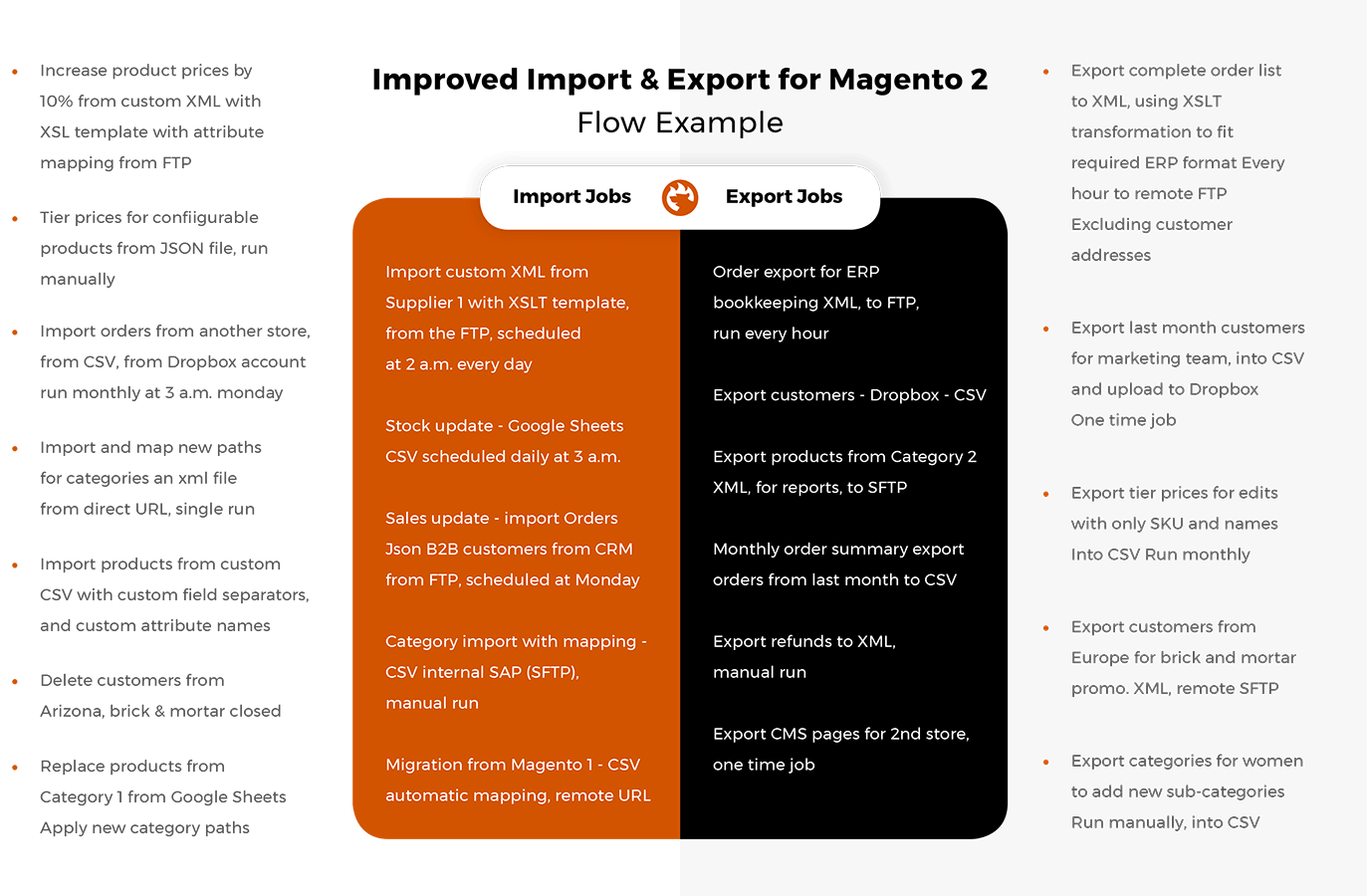
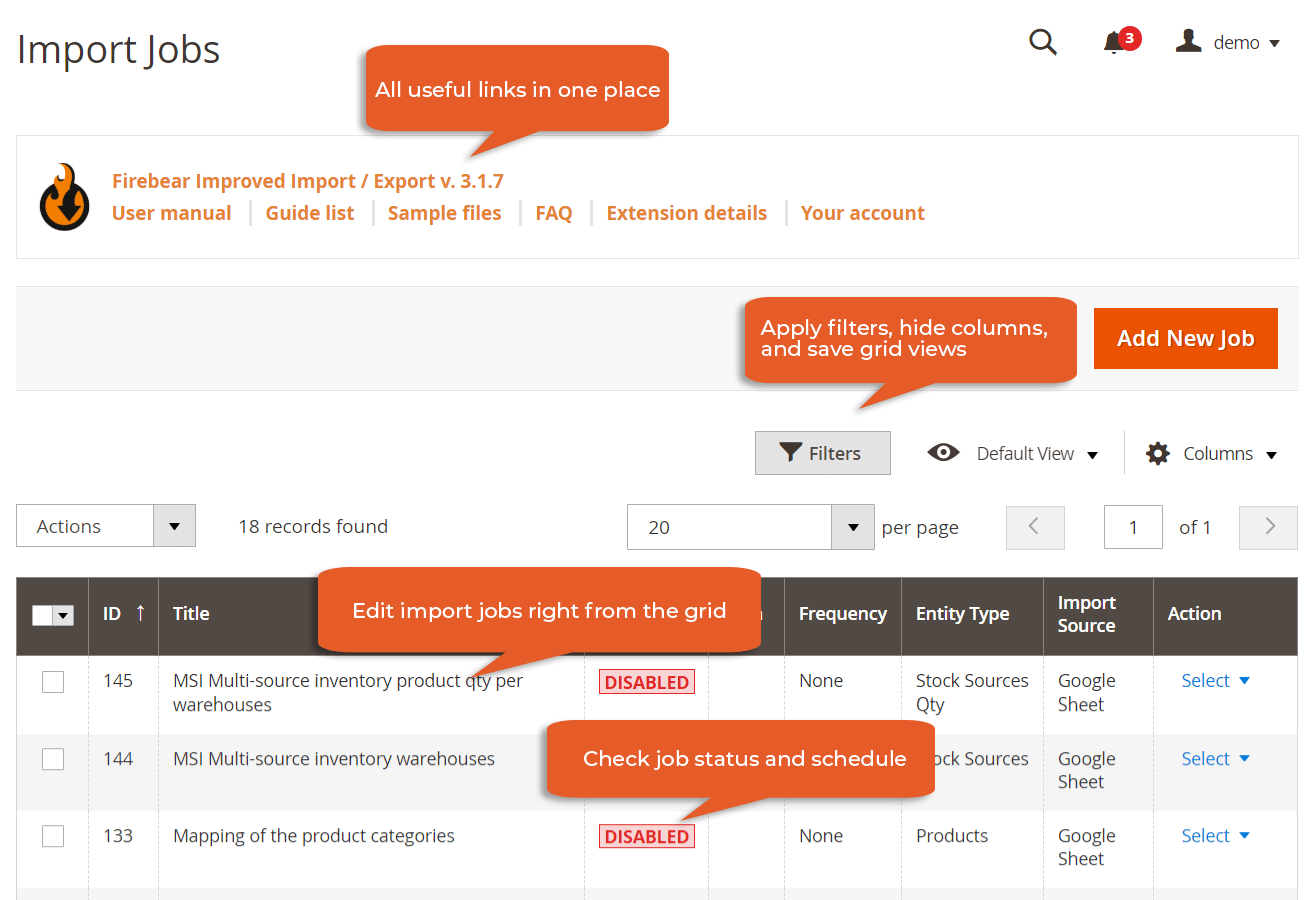
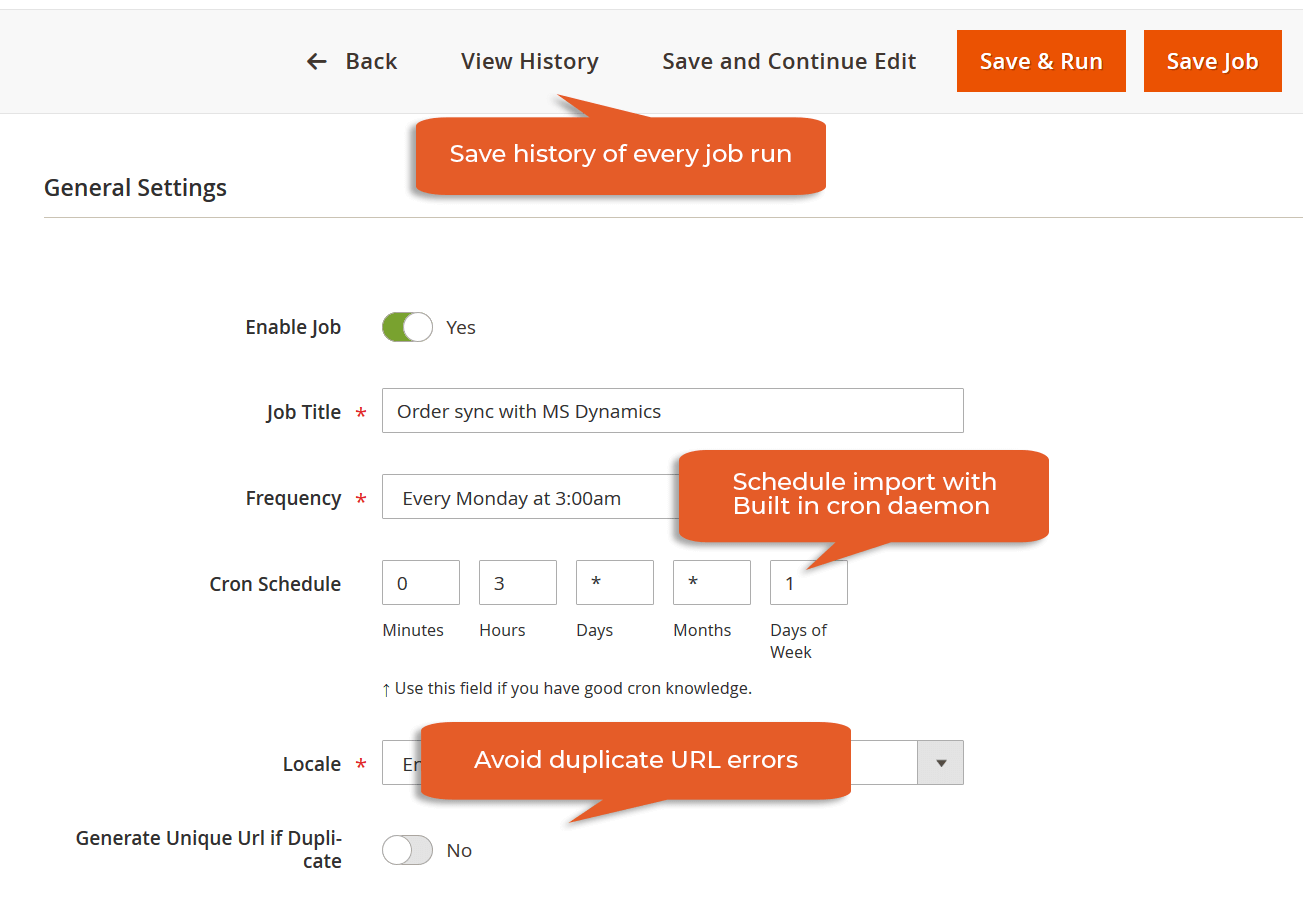
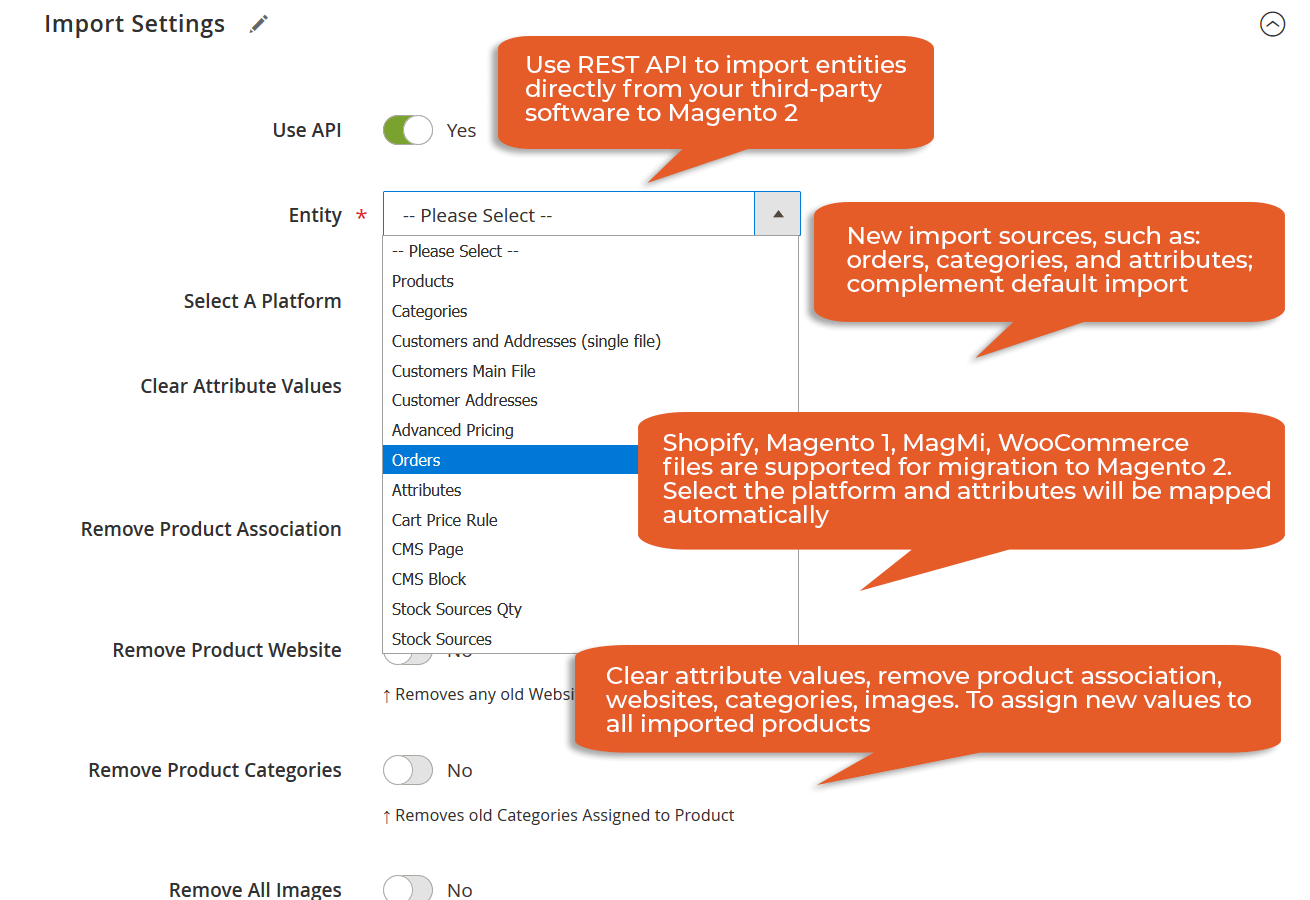
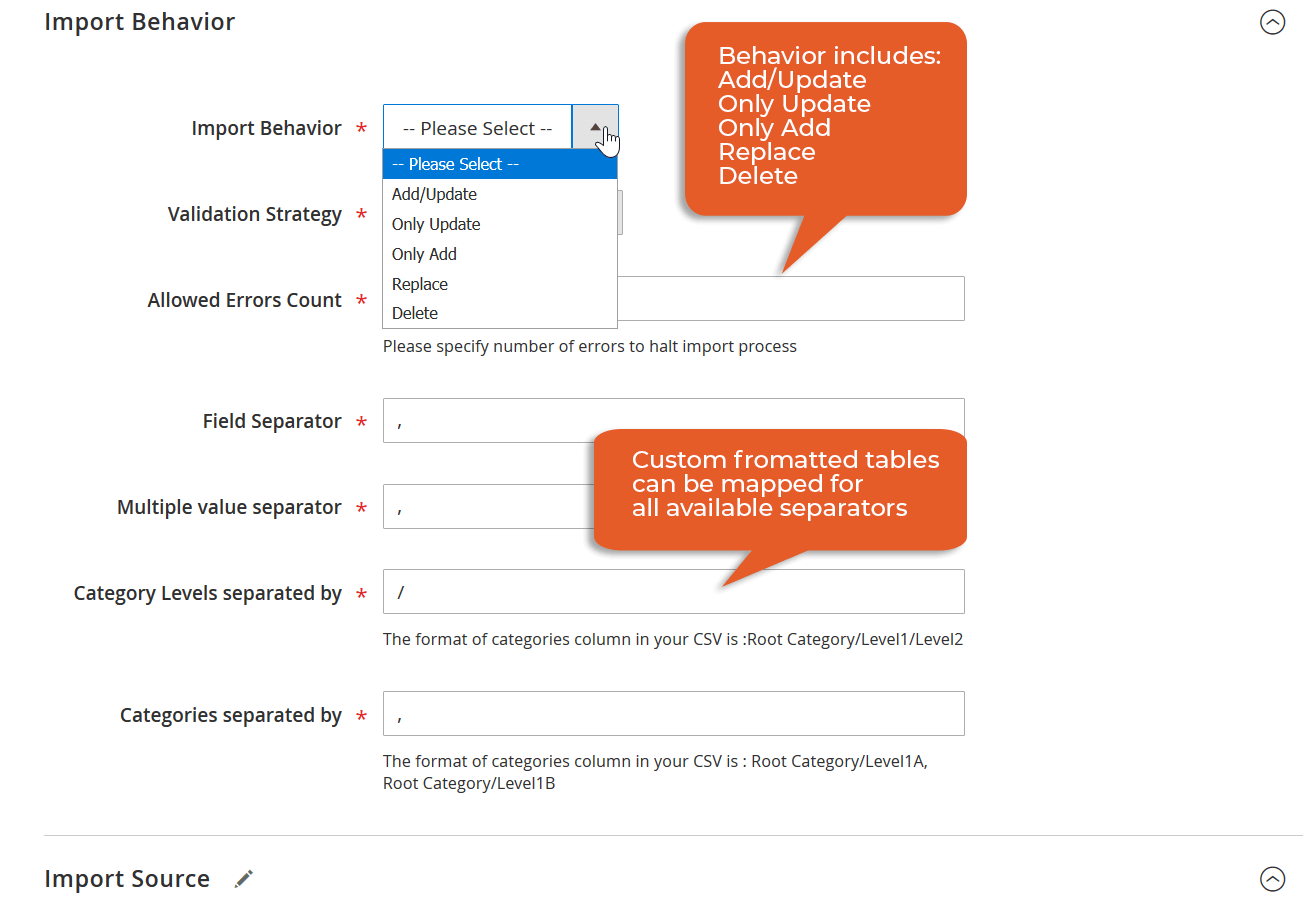
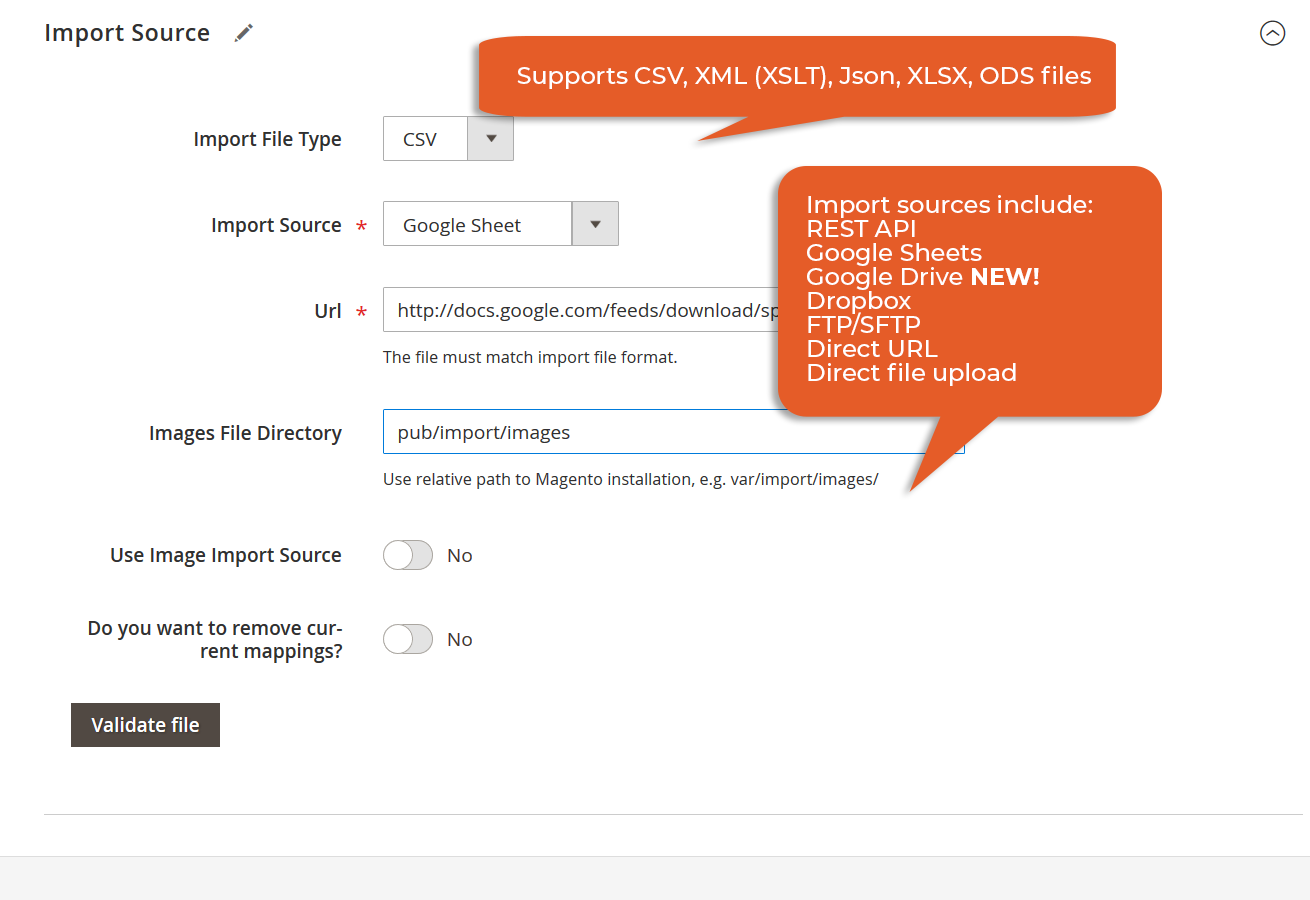
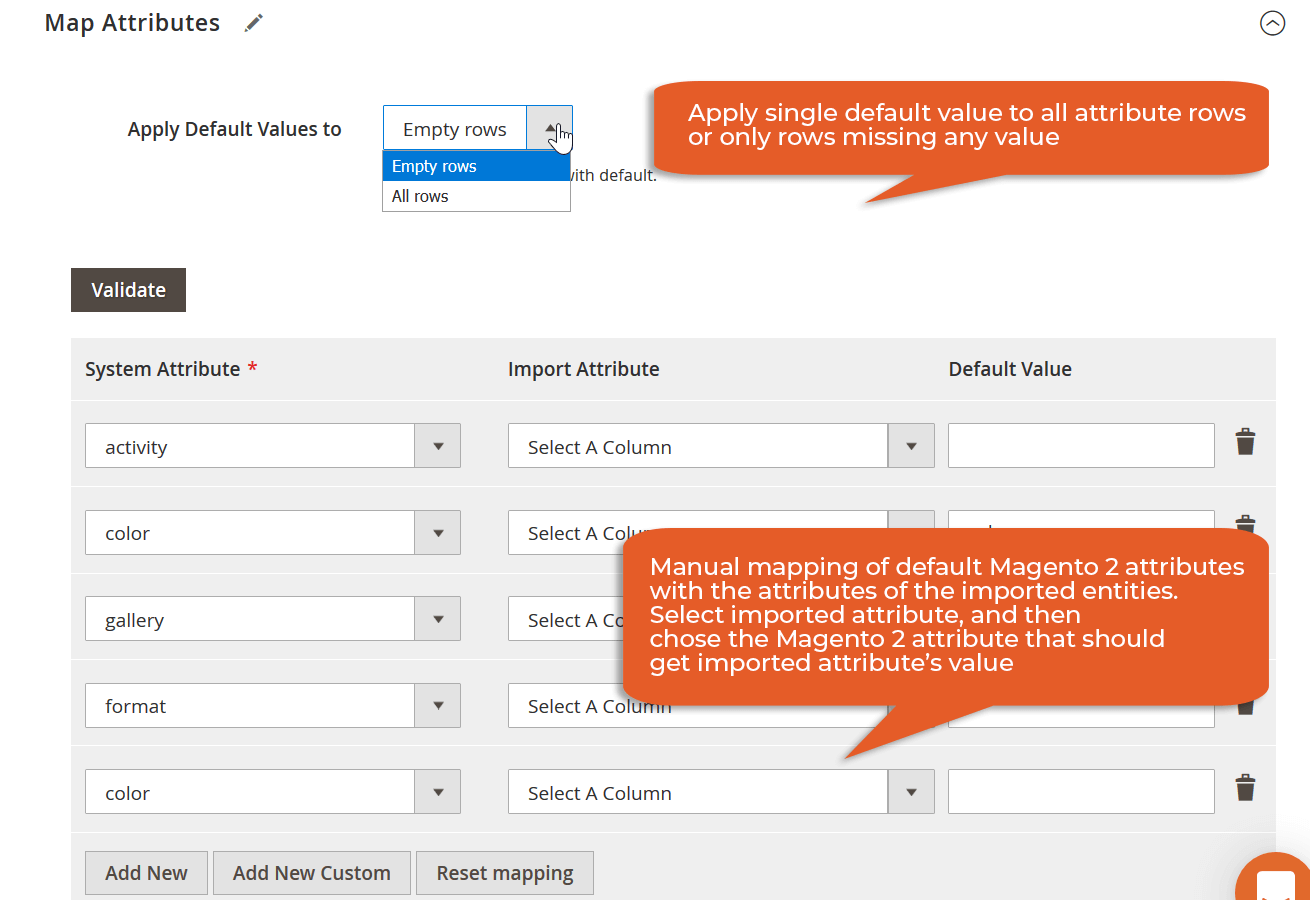
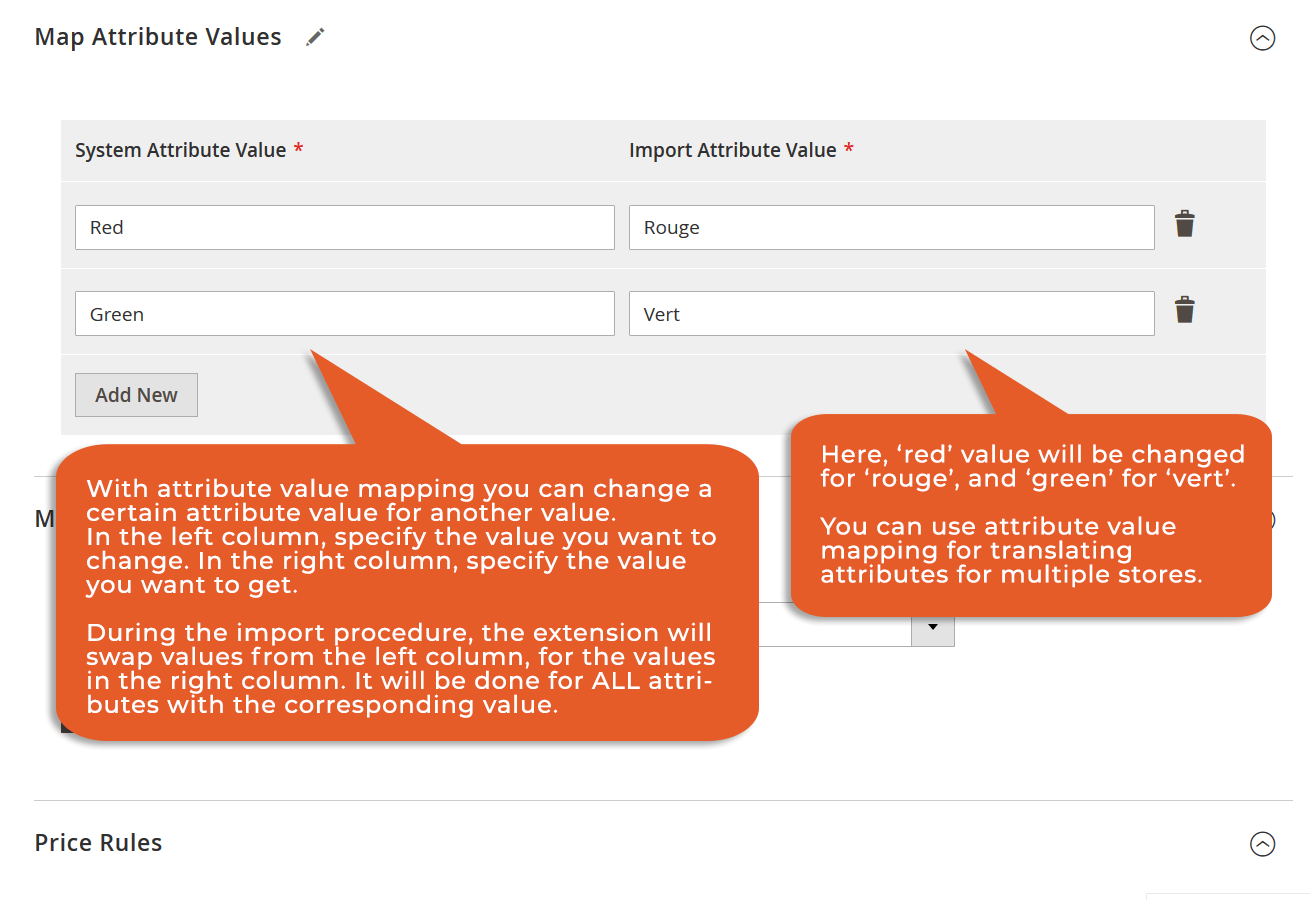

Visit the changelog page for the full list of updates.
Magento 2 import has never been easier. Whether you use Magento 2 or Adobe Commerce, our Magento 2 data import tool has something to impress you. It introduces a bunch of features that enhance the default import and export functionality of your e-commerce website.
 Increase efficiency
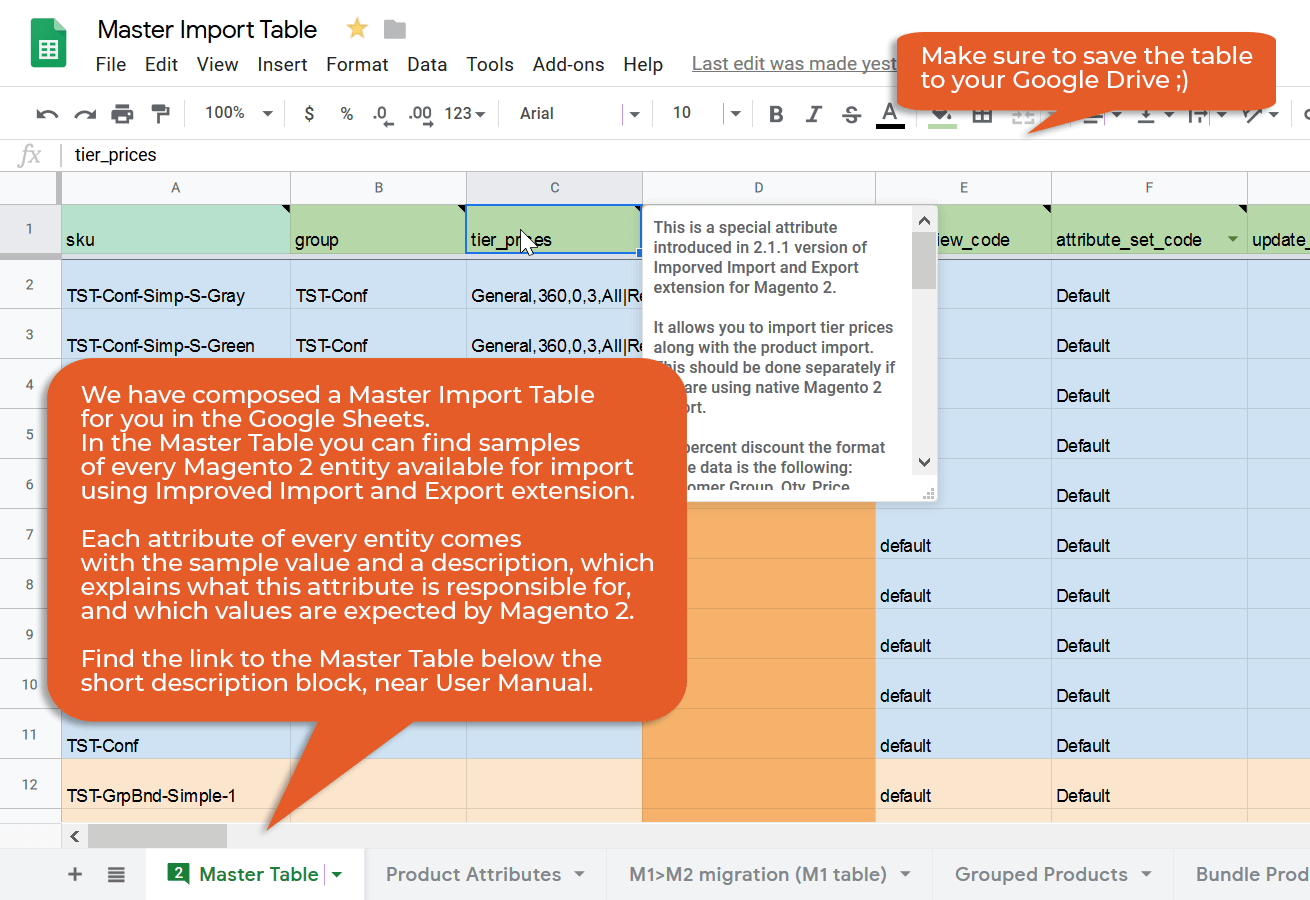
Transfer data between Magento and Google Sheets, Dropbox, Google Drive, etc., create FTP connections to import and export files to/from an external server, or use API transfers to integrate your website with any third party.
 Import anything
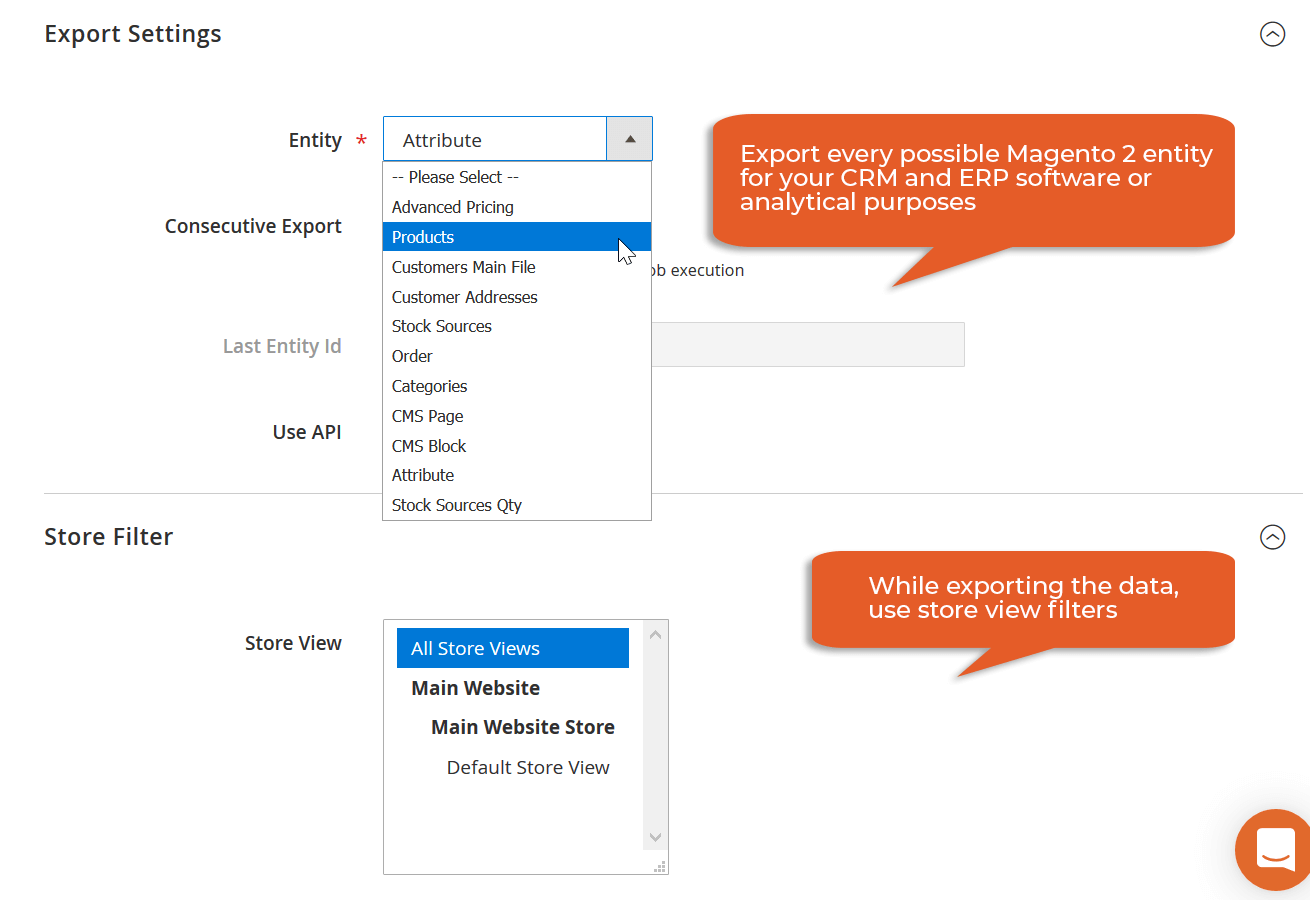
Import and export all core entities from your Magento store. Our Magento 2 import extension has the most flexible mapping interface to transfer any third-party data to your website or create output that complies with external requirements.
 Reduce management time
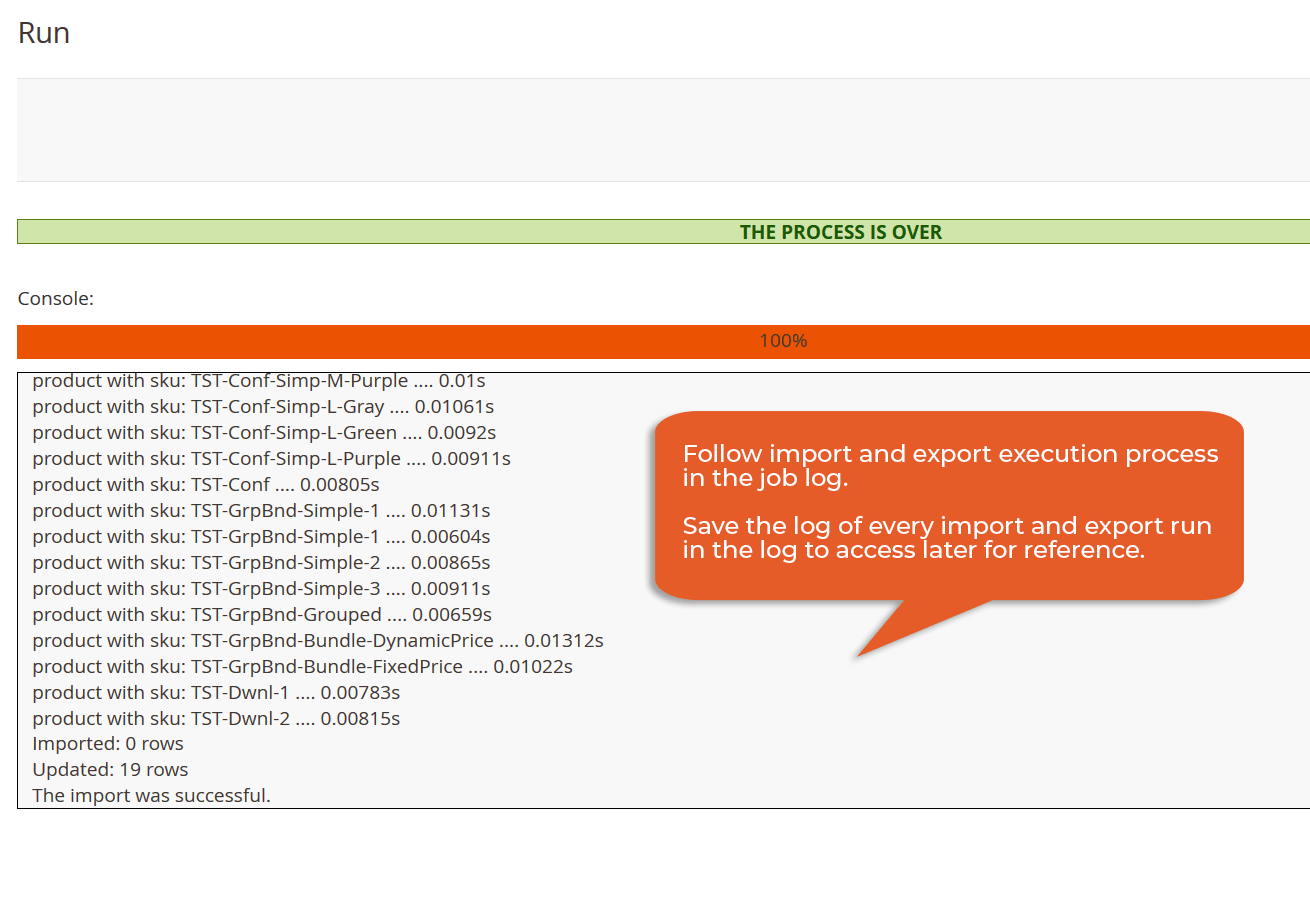
Automate data transfers and editing. Run every Magento 2 export and import automatically according to schedules and apply changes to the transferred information following the predefined parameters automatically.
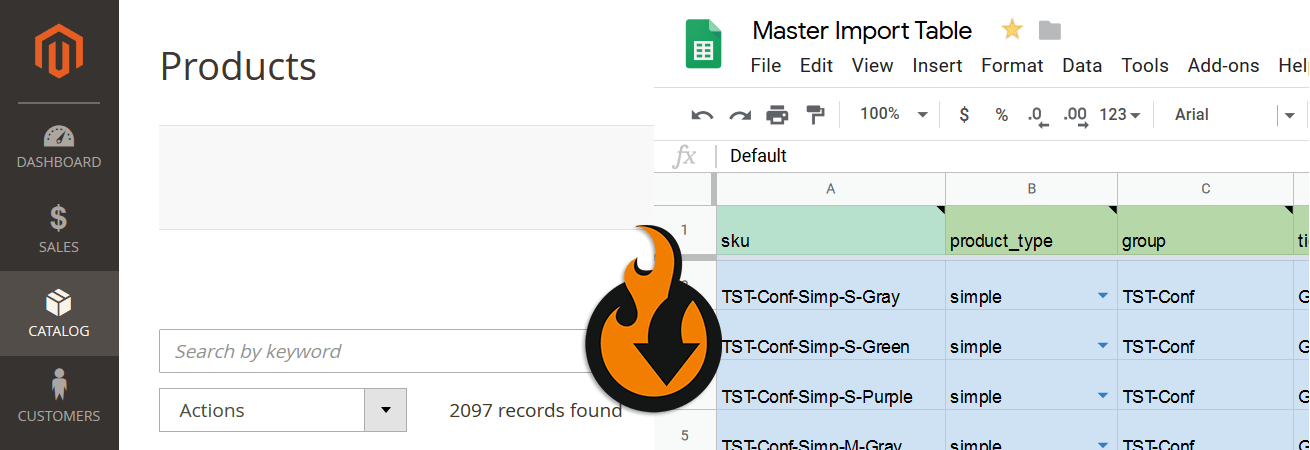
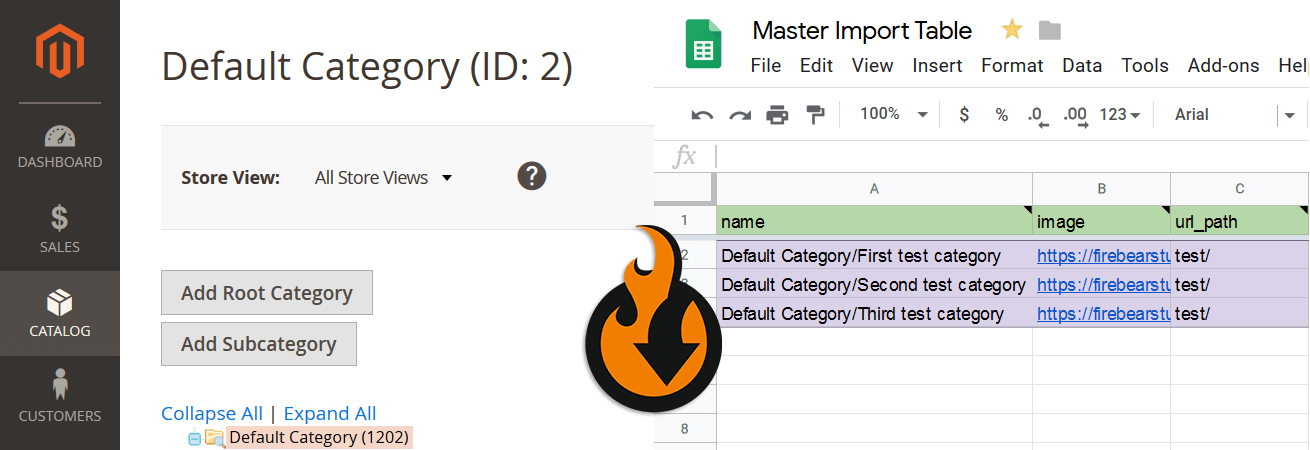
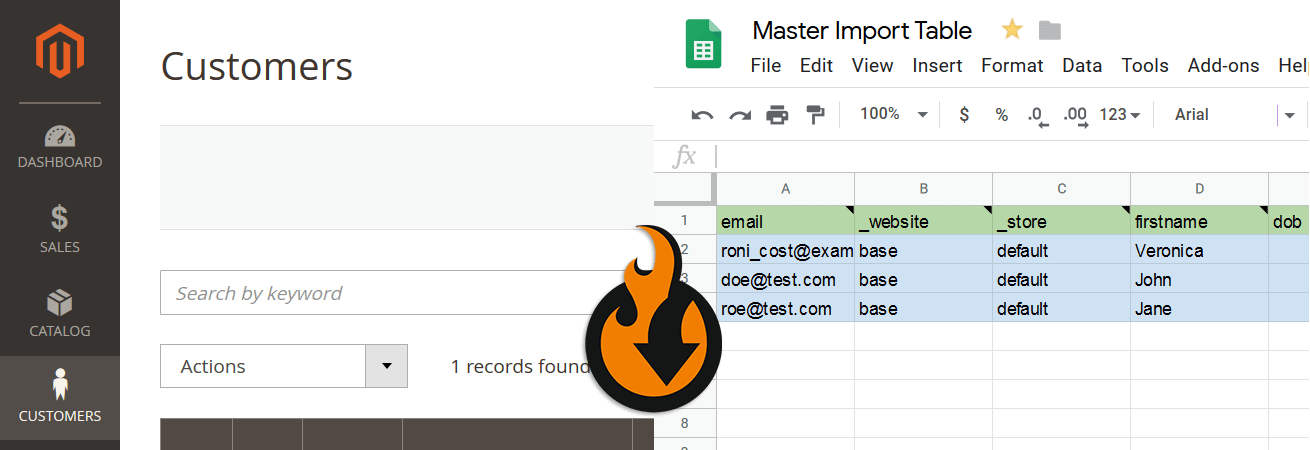
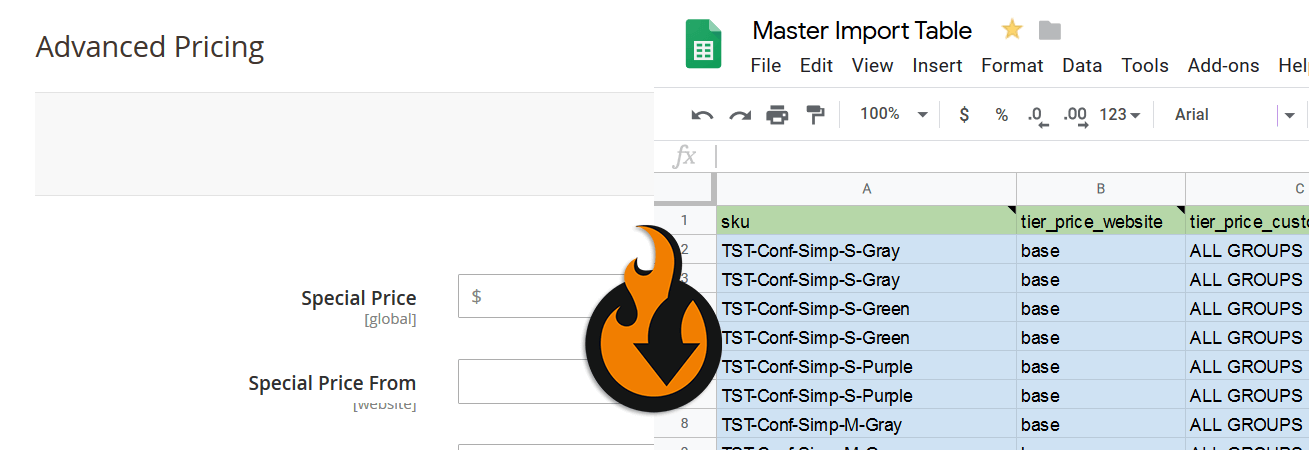
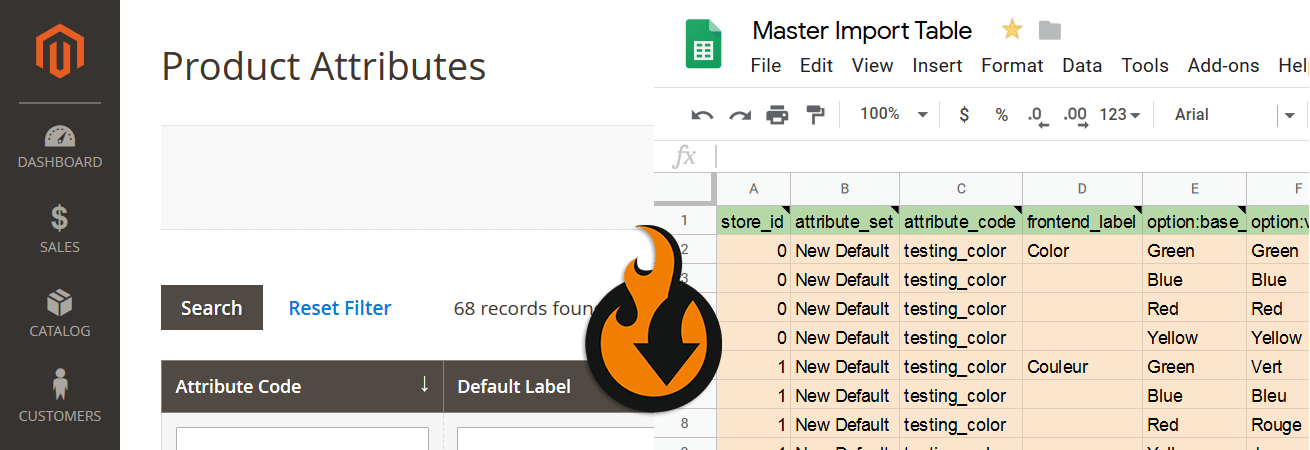
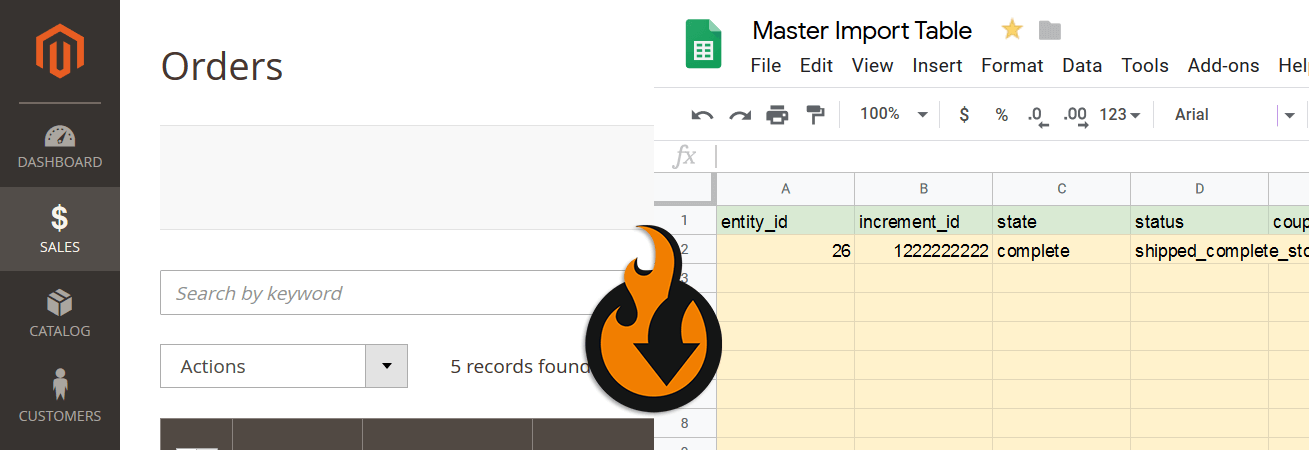
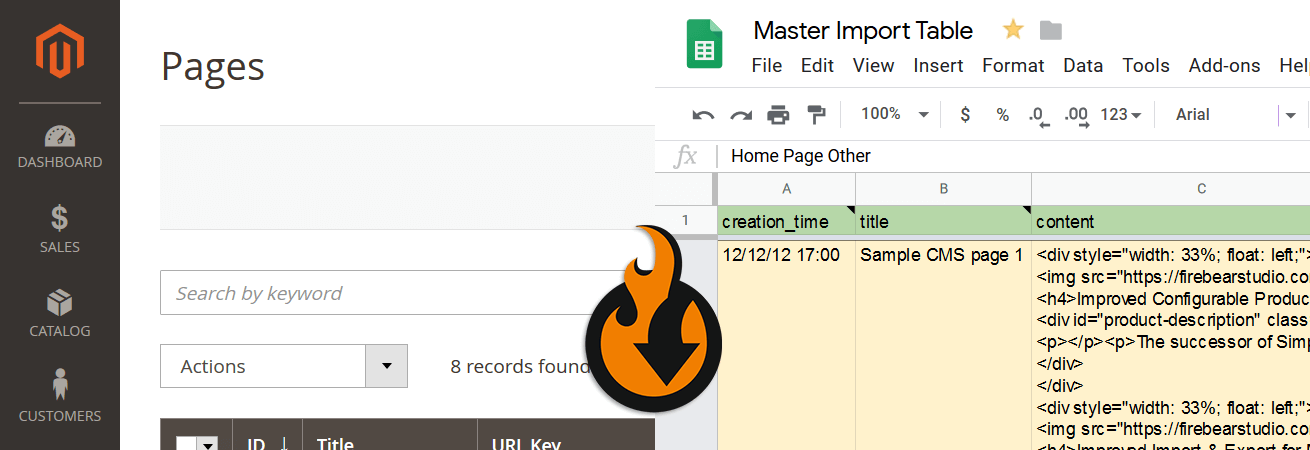
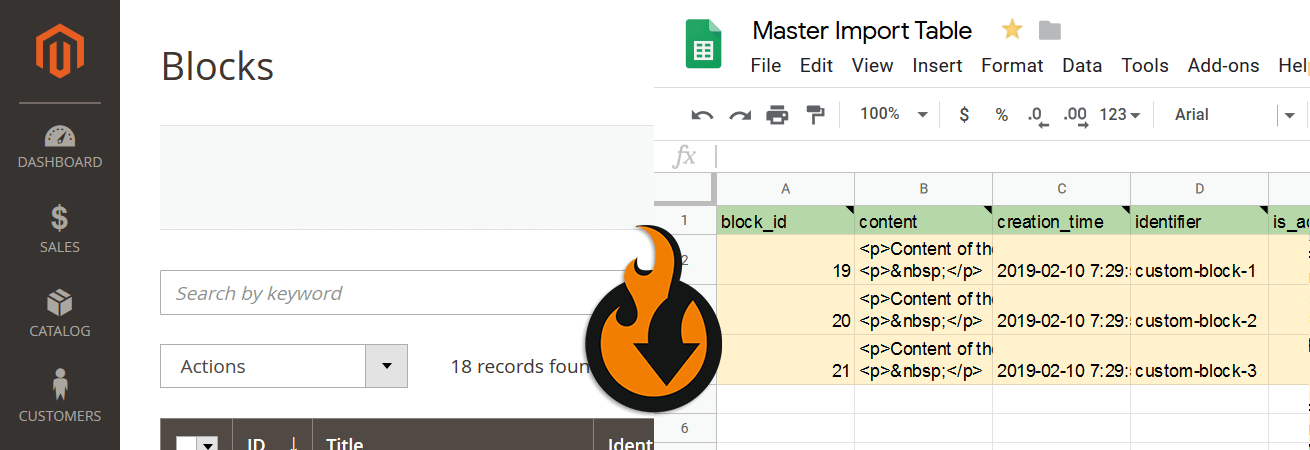
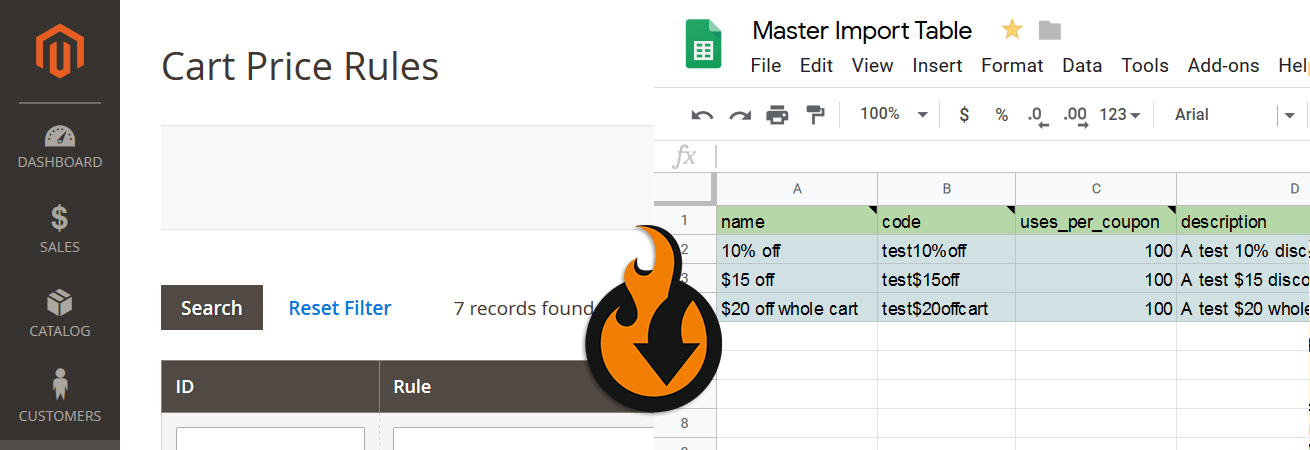
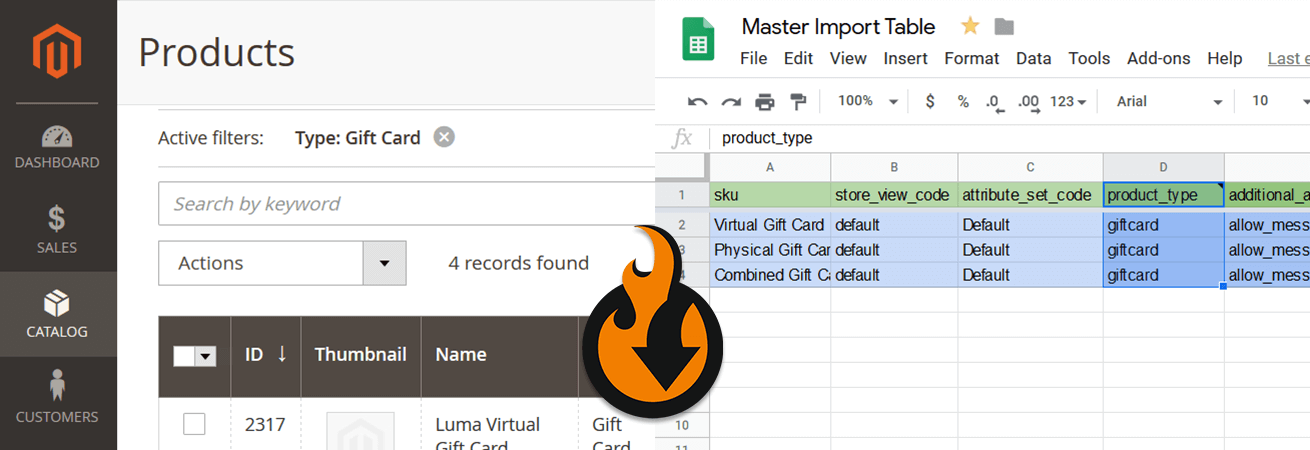
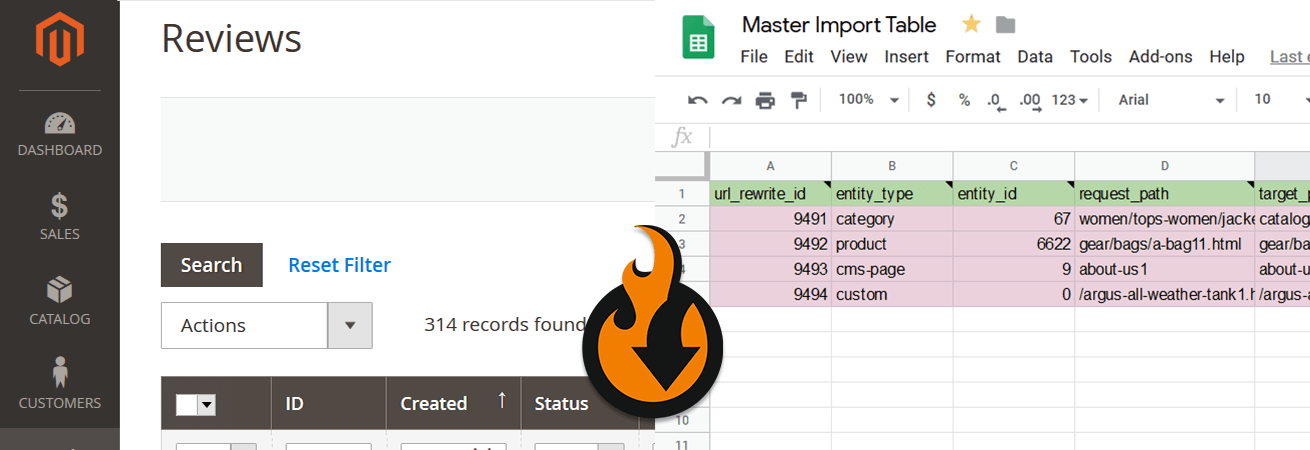
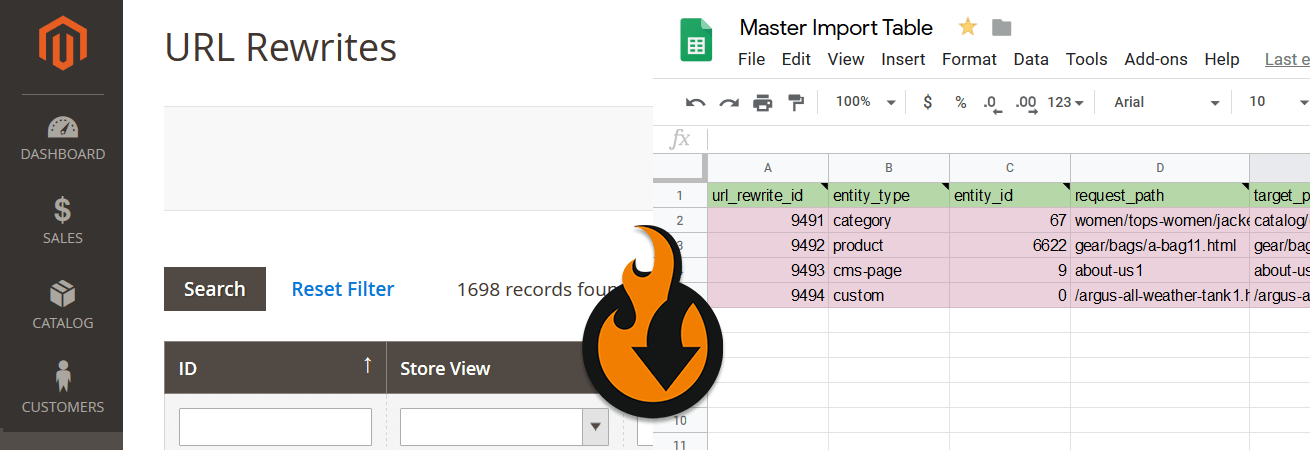
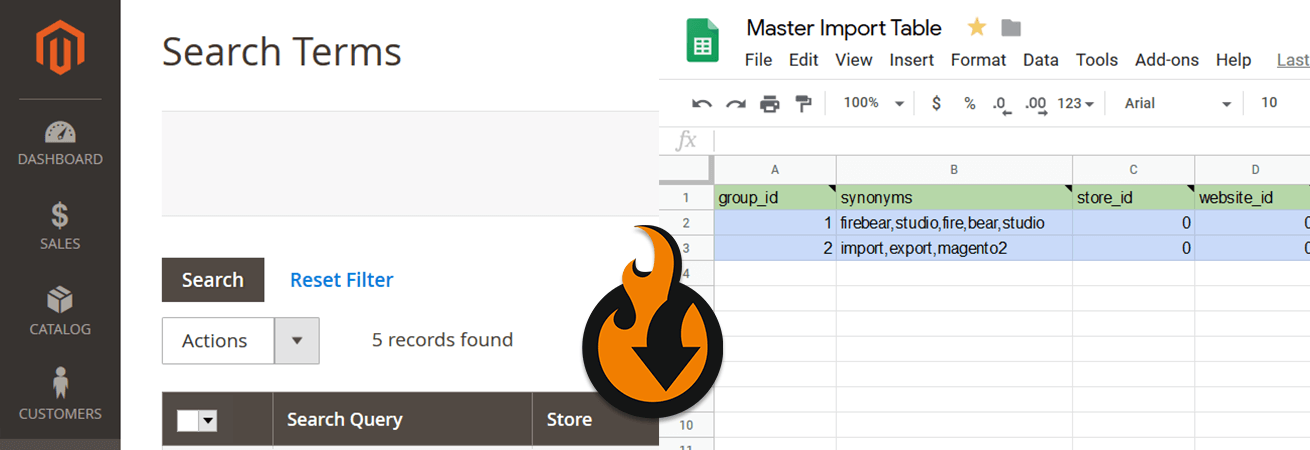
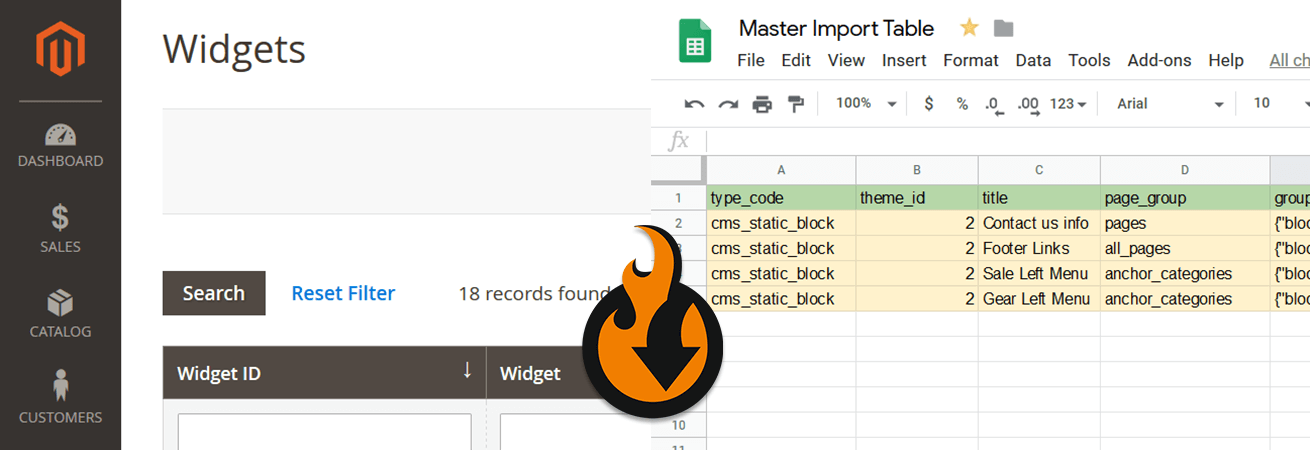
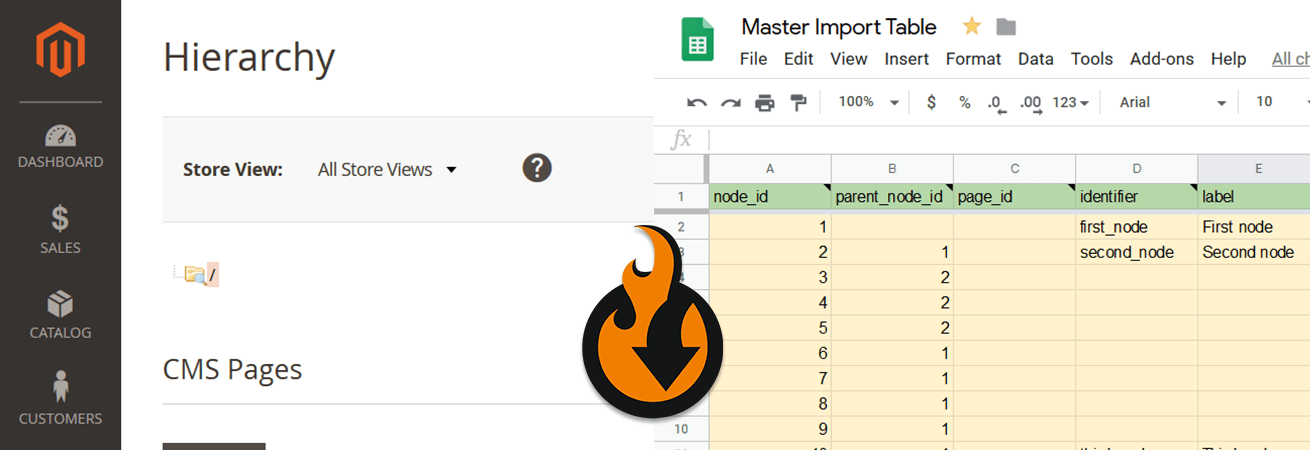
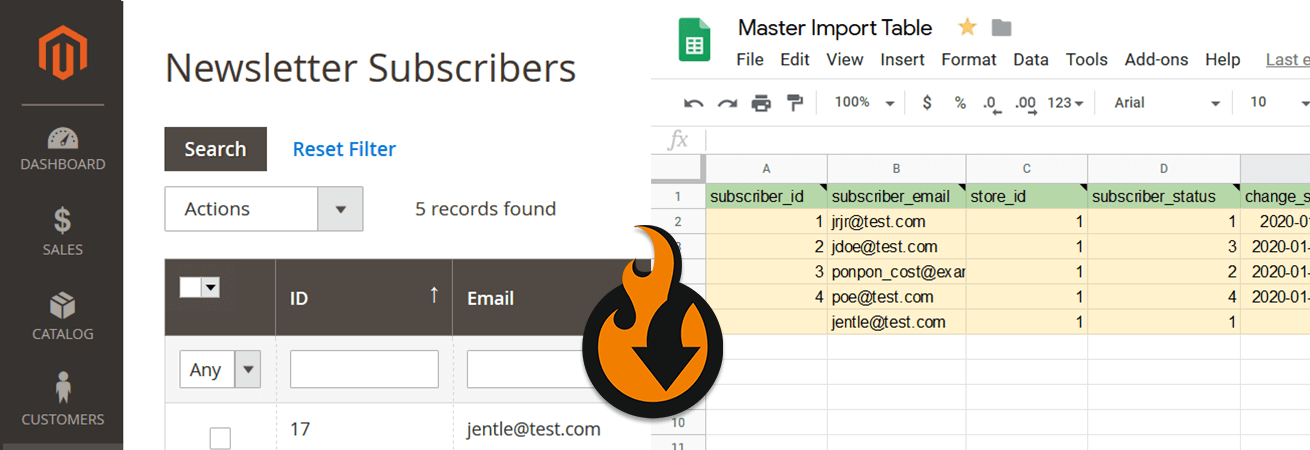
Below, you can see what other entities participate in the Magento 2 export and import routine:
Contact us regarding any additional entities your business case requires. Visit the changelog page for the full list of the latest features introduced in our Magento 2 import export extension.
Our Magento 2 import/export extension introduces import presets that sufficiently simplify data exchanges between Magento 2 and other platforms:
Our extension lets you import and export data between your Magento 2 or Adobe Commerce website and external sources with the following connection types:
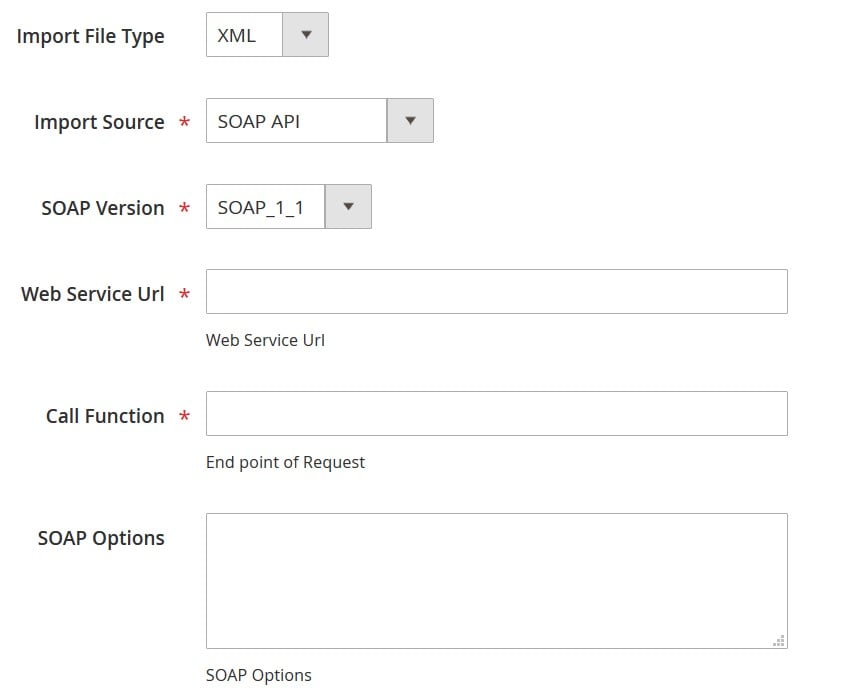
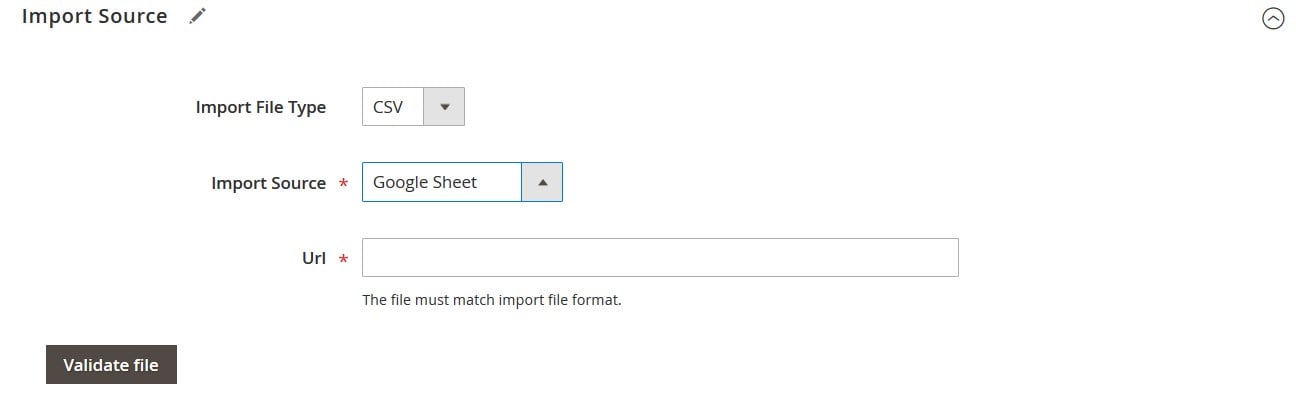
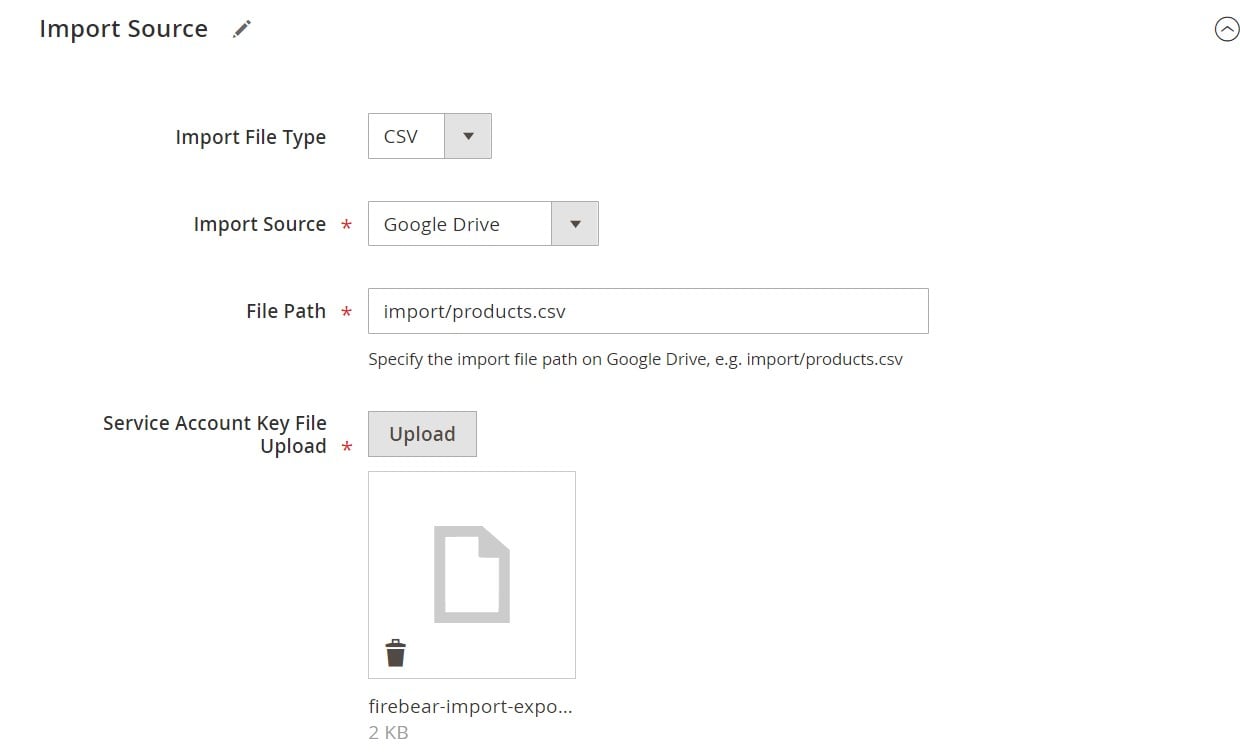
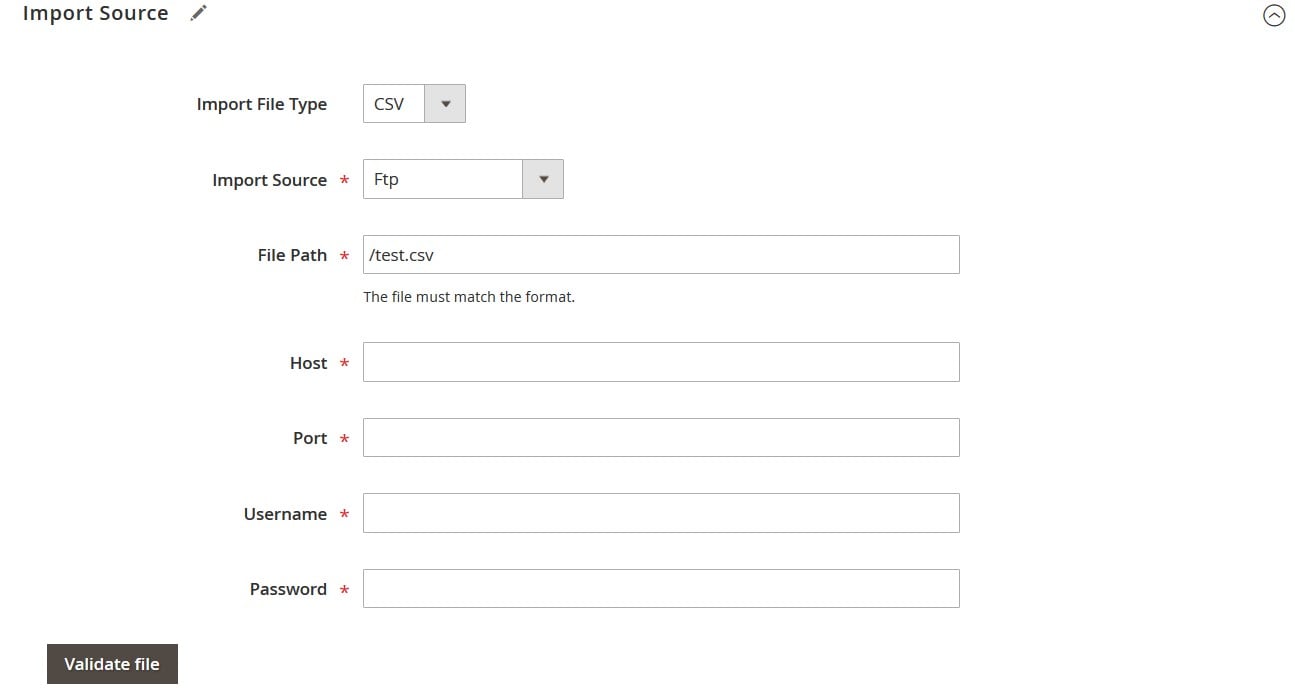
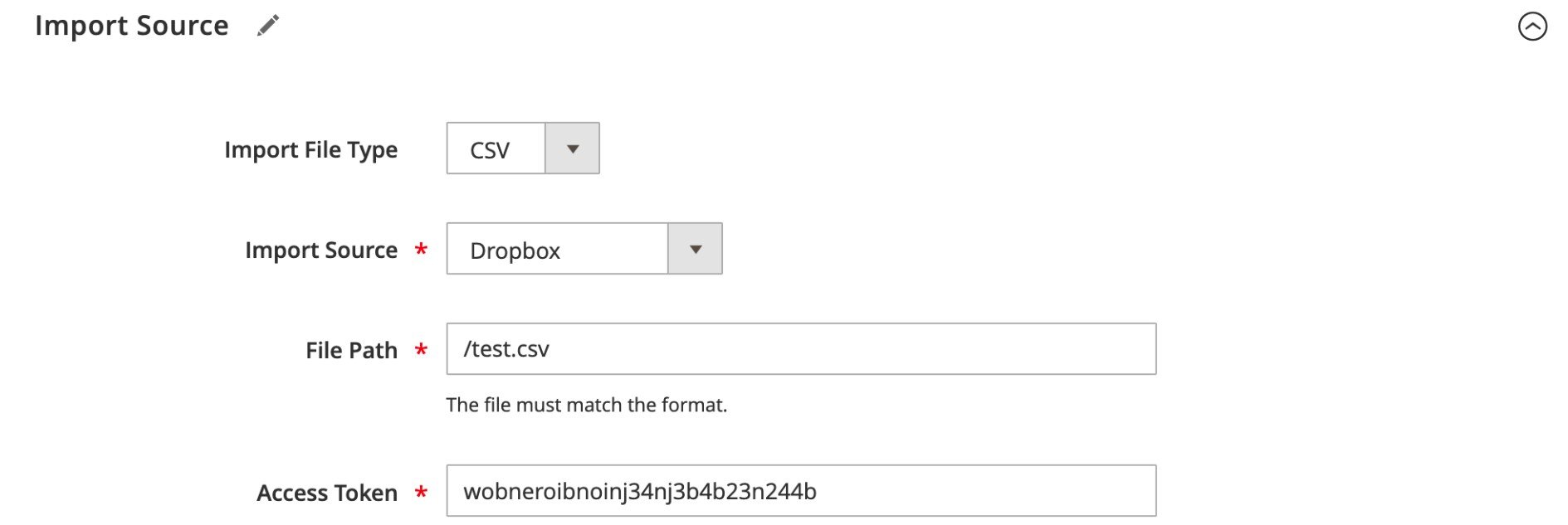
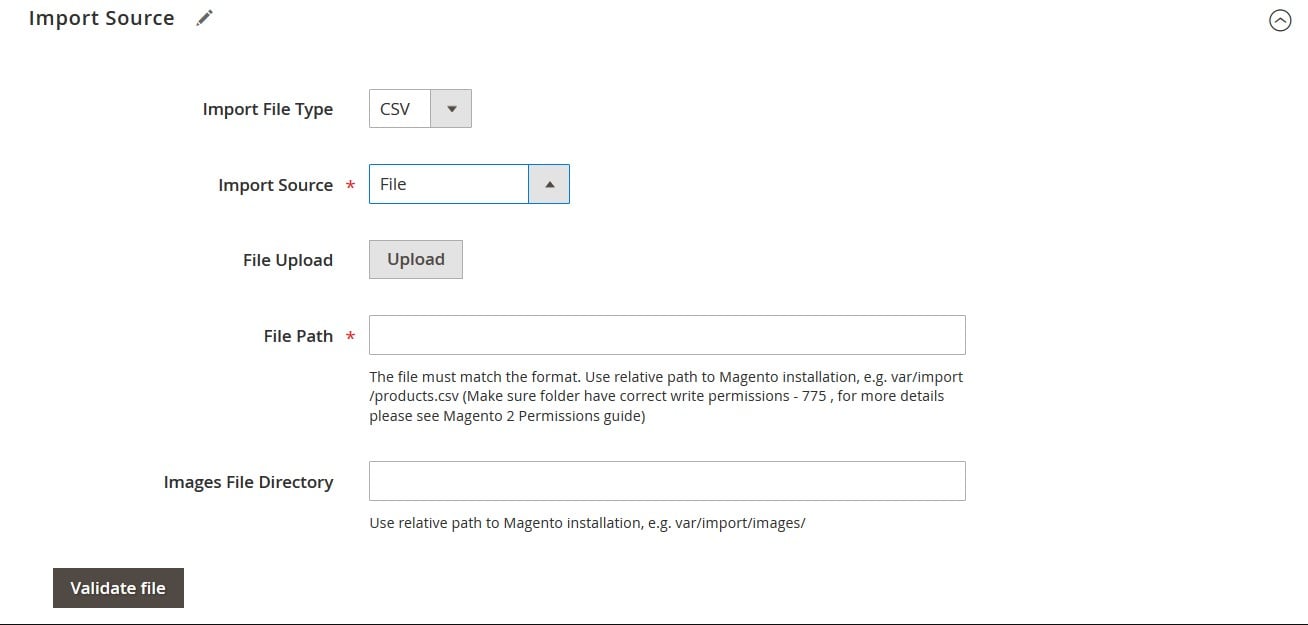
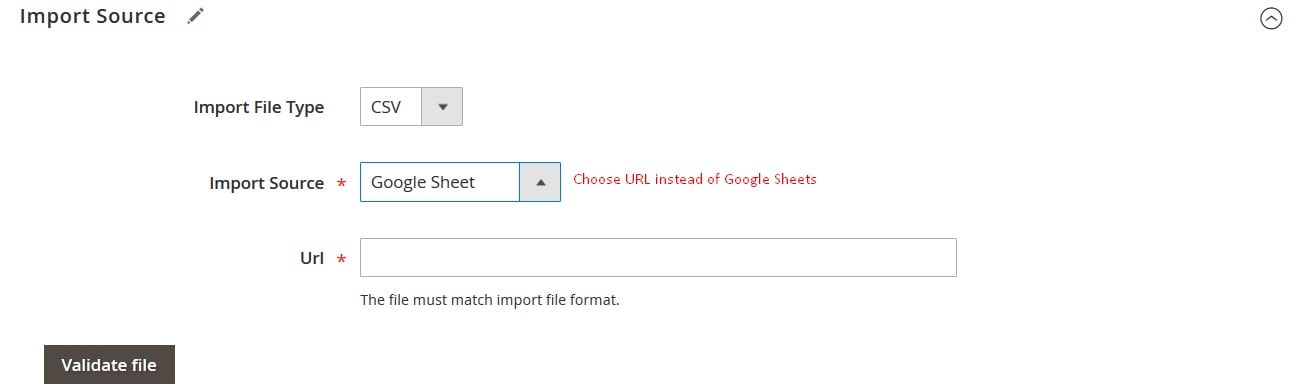
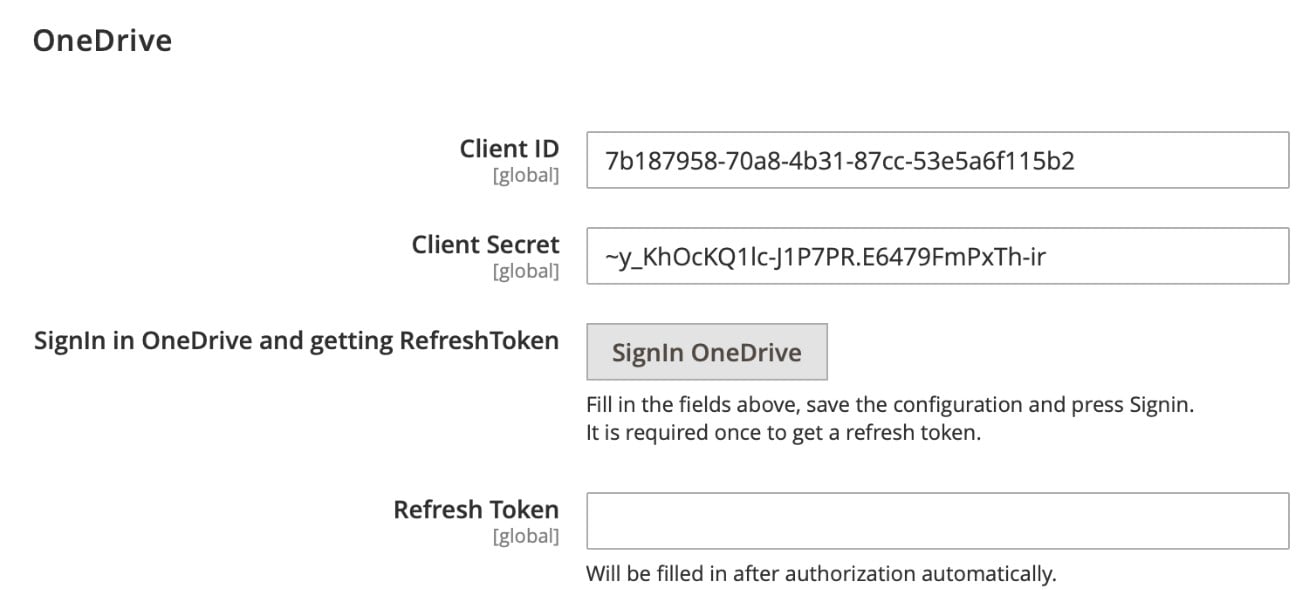
Forever forget about converting files to CSV before you import them to your Magento 2 or Adobe Commerce website. Omit unpacking archives to implement the update. Our Magento 2 data import tool lets you transfer products and all other entities to/from Magento 2 using a broad selection of file types:
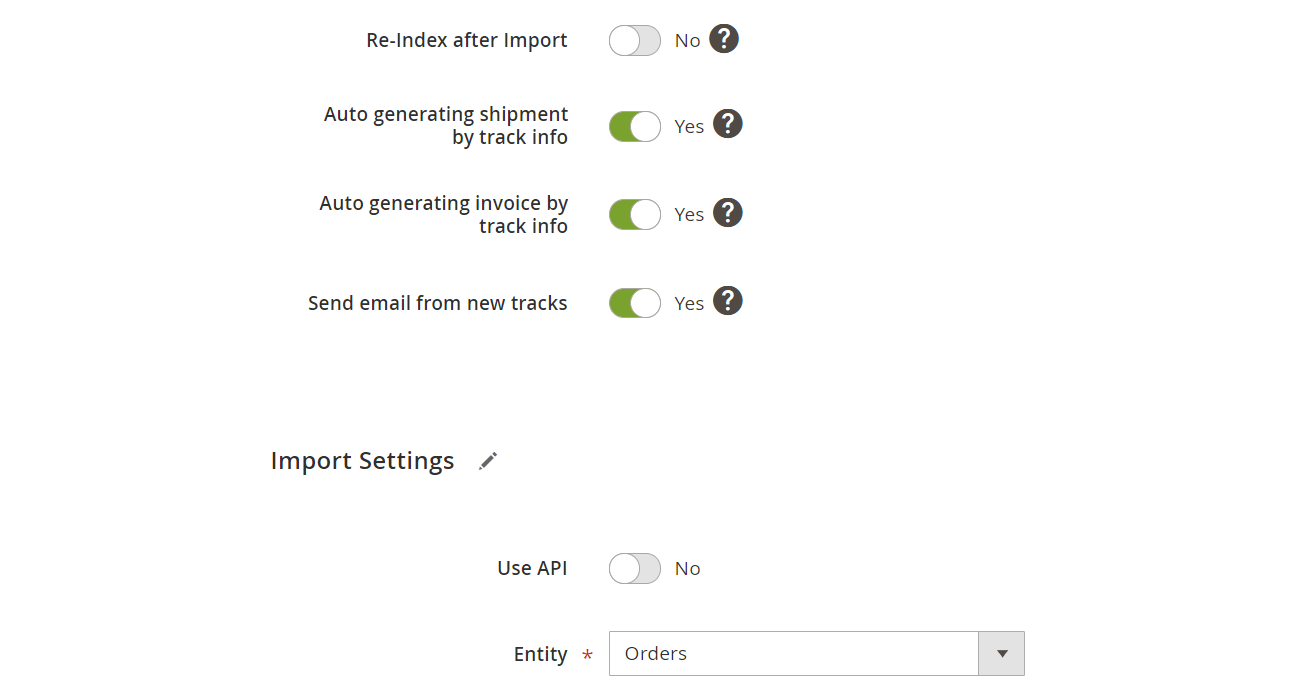
Full support for Magento 2 order import and export is another major advantage of our solution. You do not need to purchase a separate Magento 2 order import extension or Magento 2 order export extension, since the same tool covers the complete order data transfer workflow:
Our Magento 2 import and export extension goes far beyond the platform’s default data transfer capabilities. From automation and mapping to real-time exports and advanced product processing, the Magento 2 data import tool provides flexible features for managing complex import and export workflows:
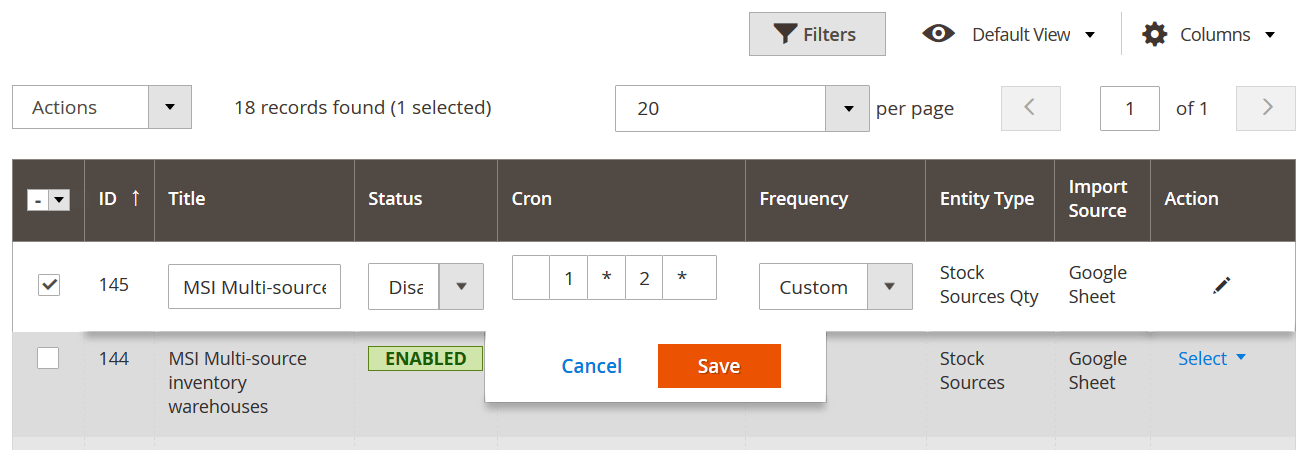
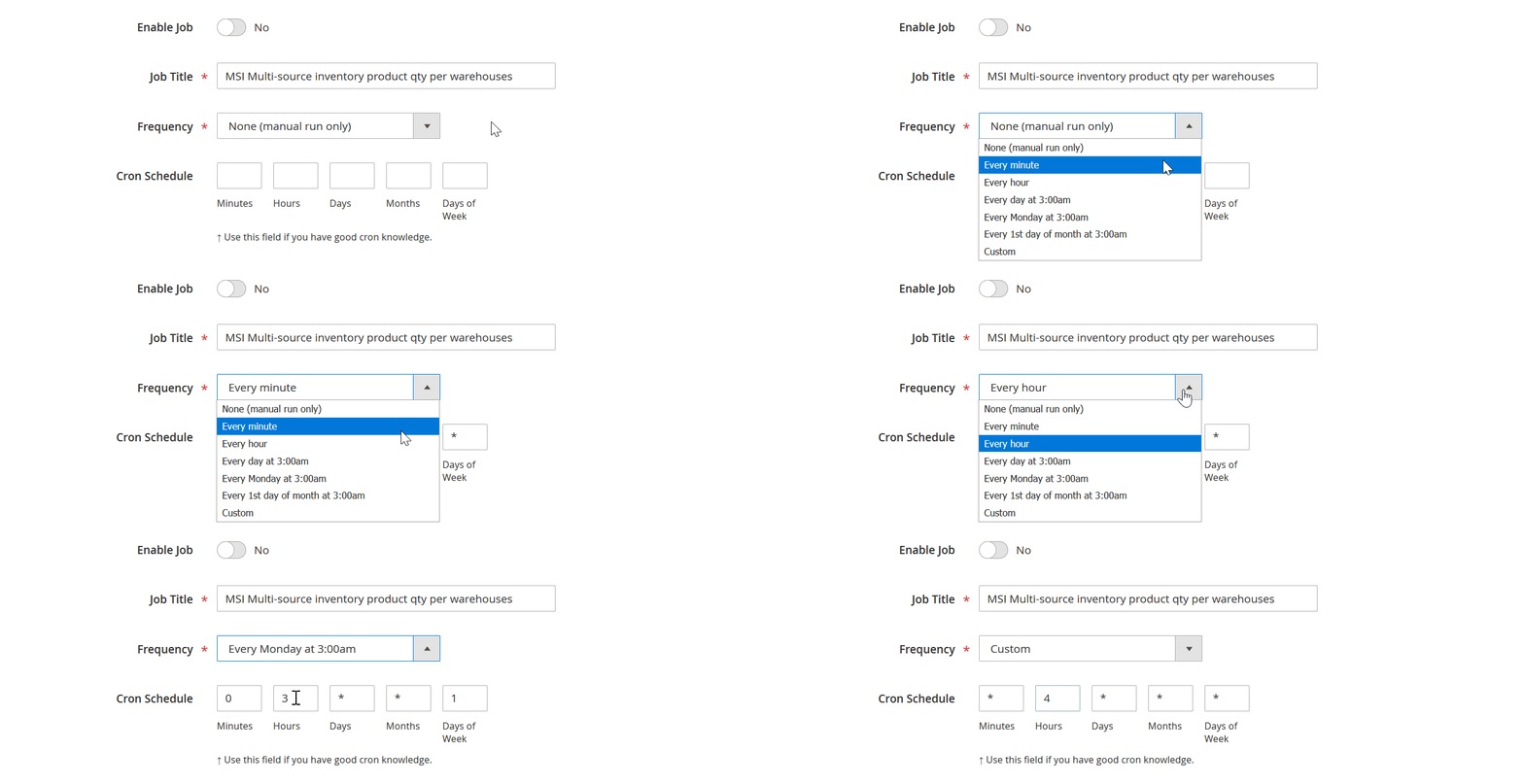
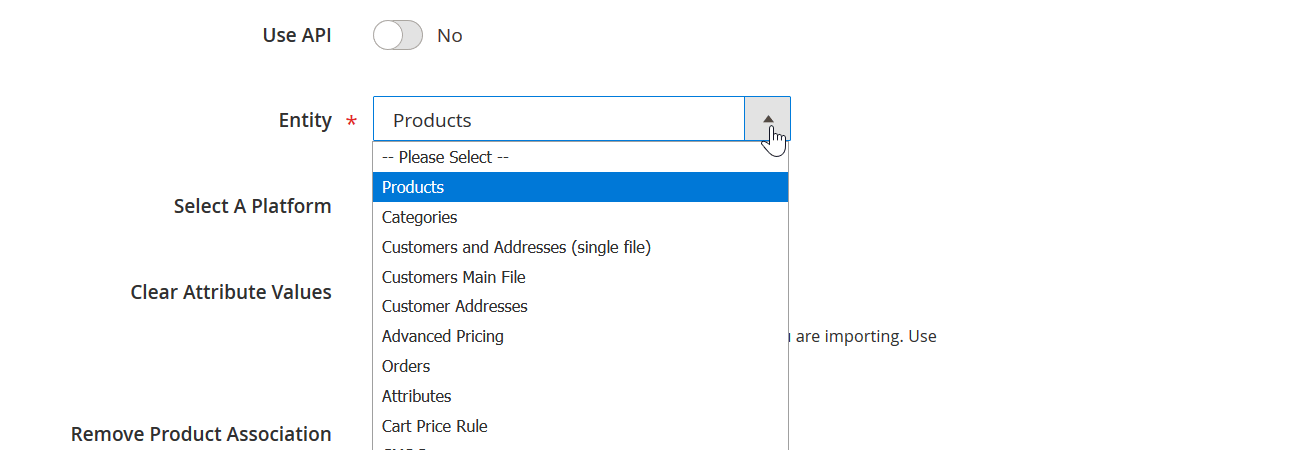
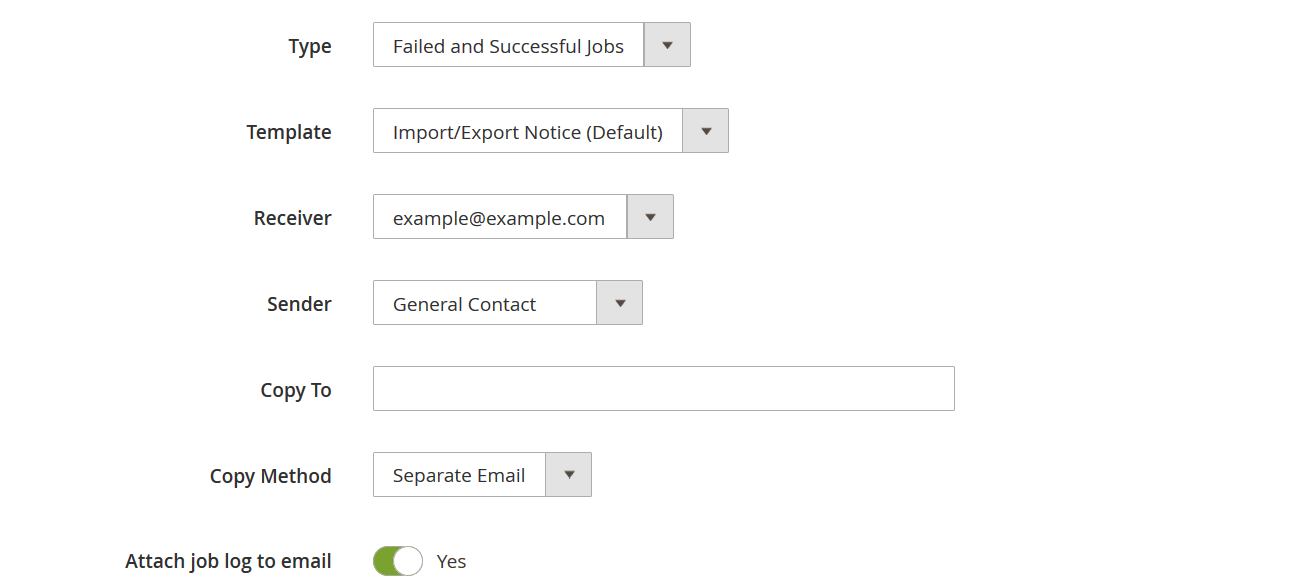



Hundreds of Magento 2 and Adobe Commerce stores use our import/export solution. It turns everyday Magento data management into flexible, repeatable workflows. Create separate import and export jobs, configure them for specific entities, and run them manually, through CLI, or automatically with cron schedules. Our Magento 2 import/export extension supports products, categories, customers, orders, and other Magento 2 Open Source and Adobe Commerce data, making it ideal for routine catalog updates, migrations, and system integrations.
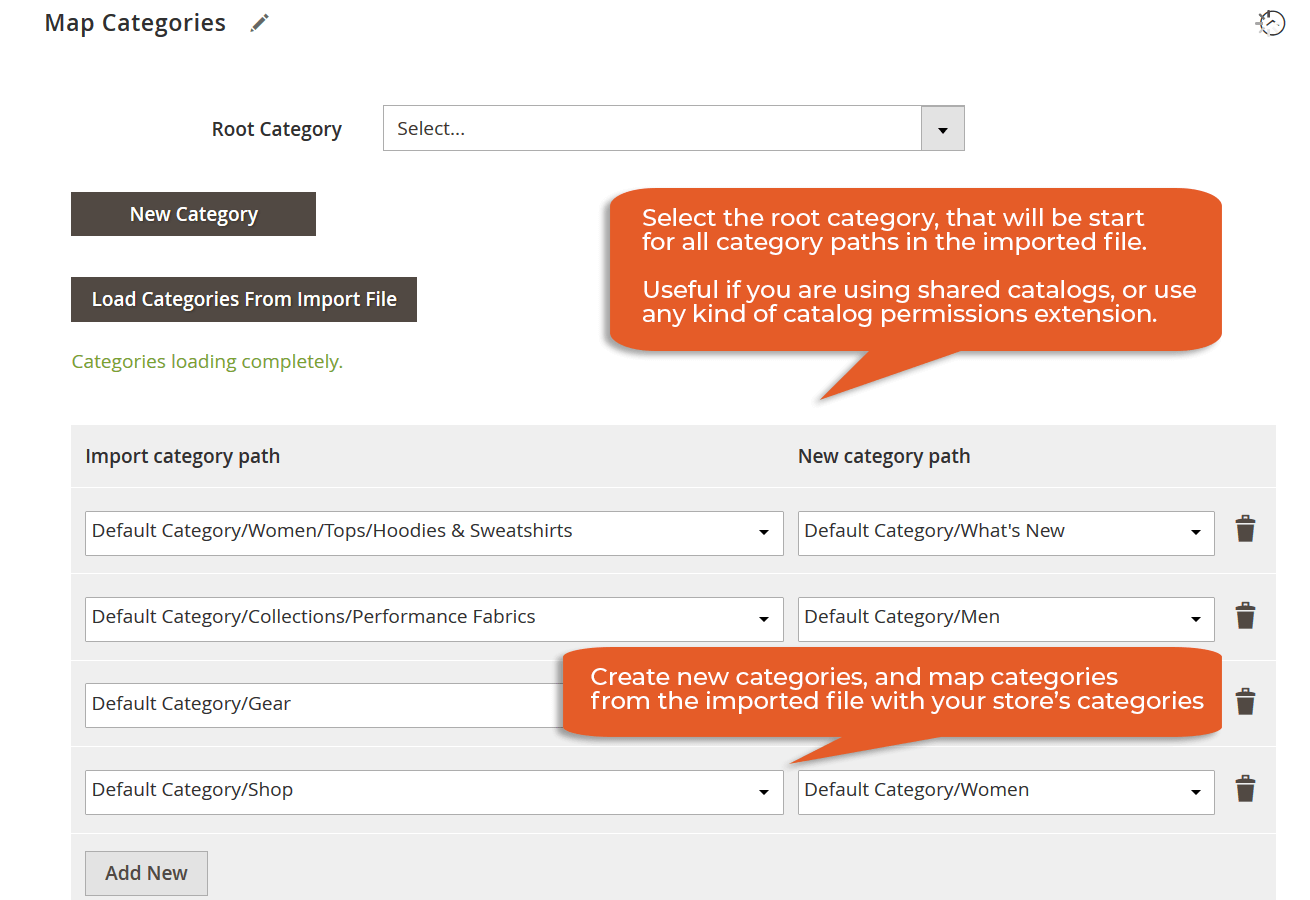
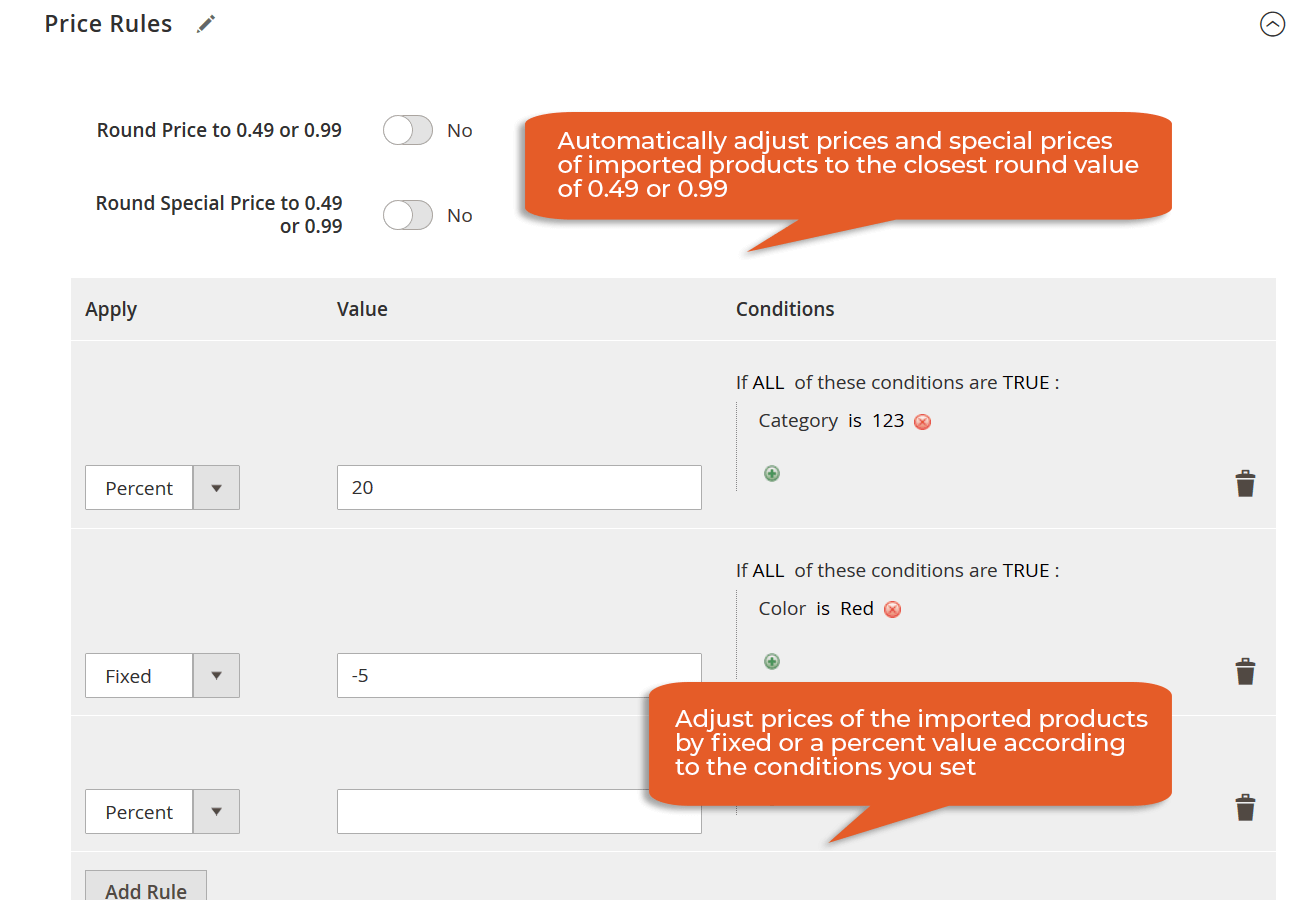
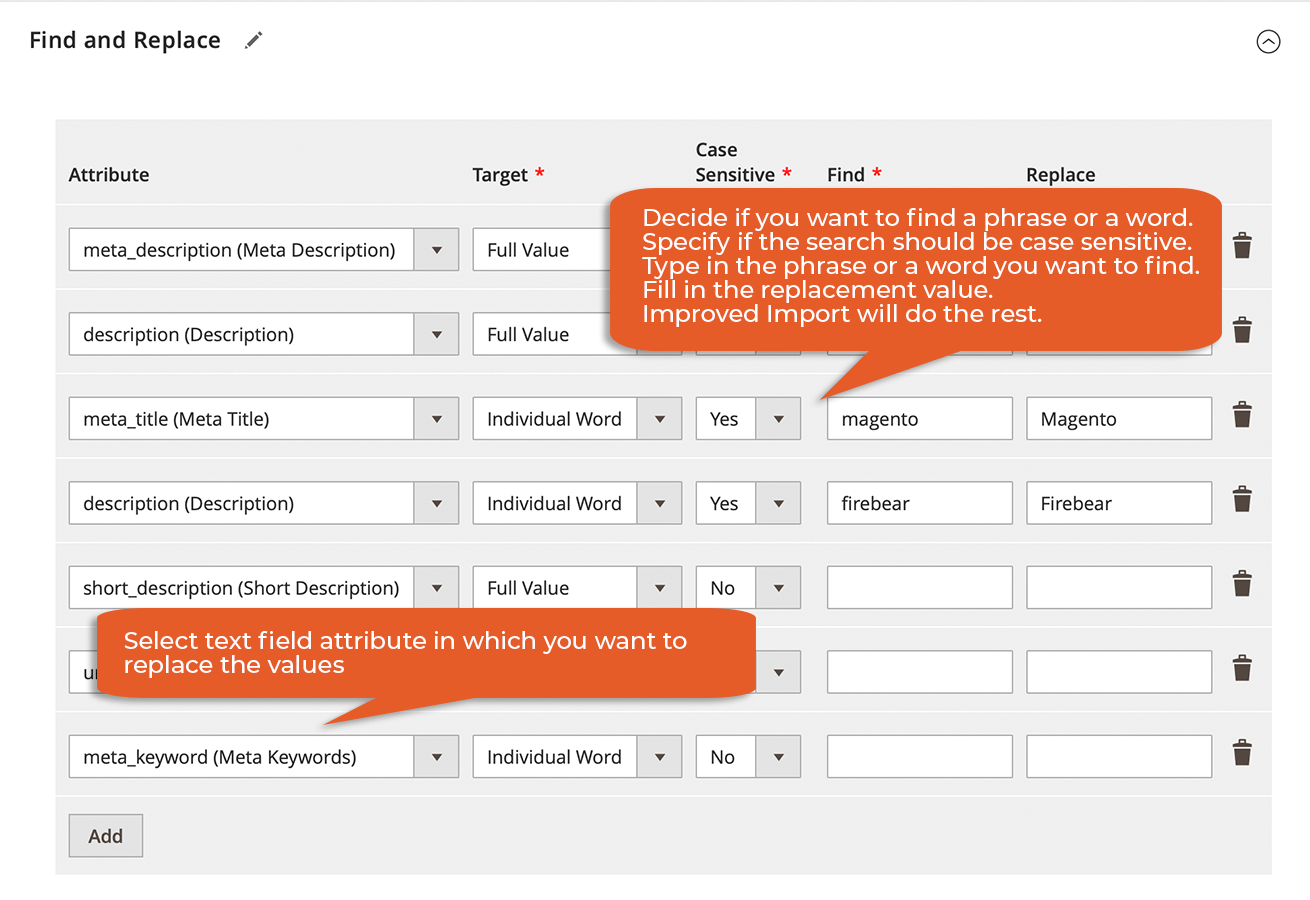
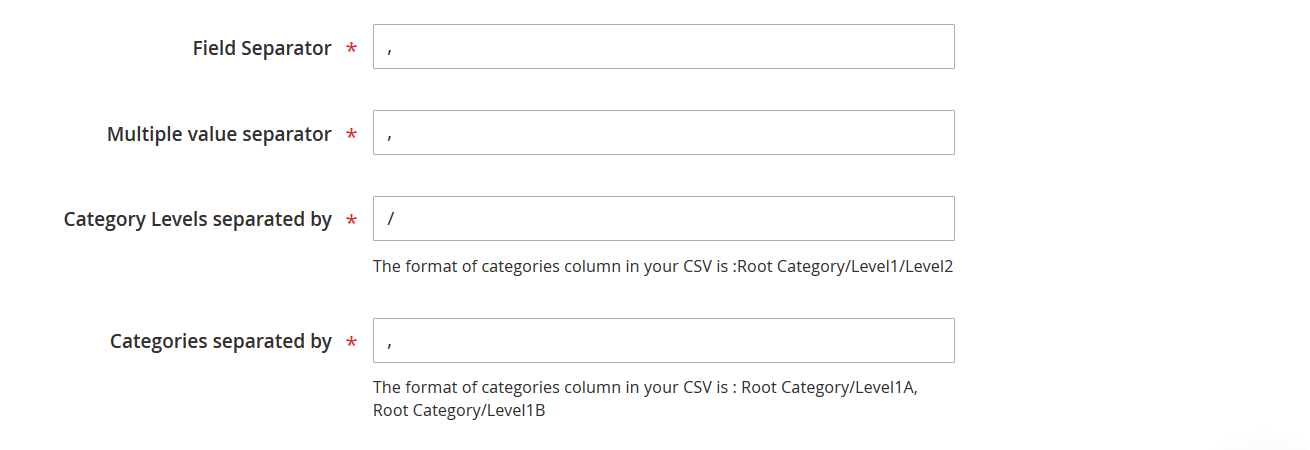
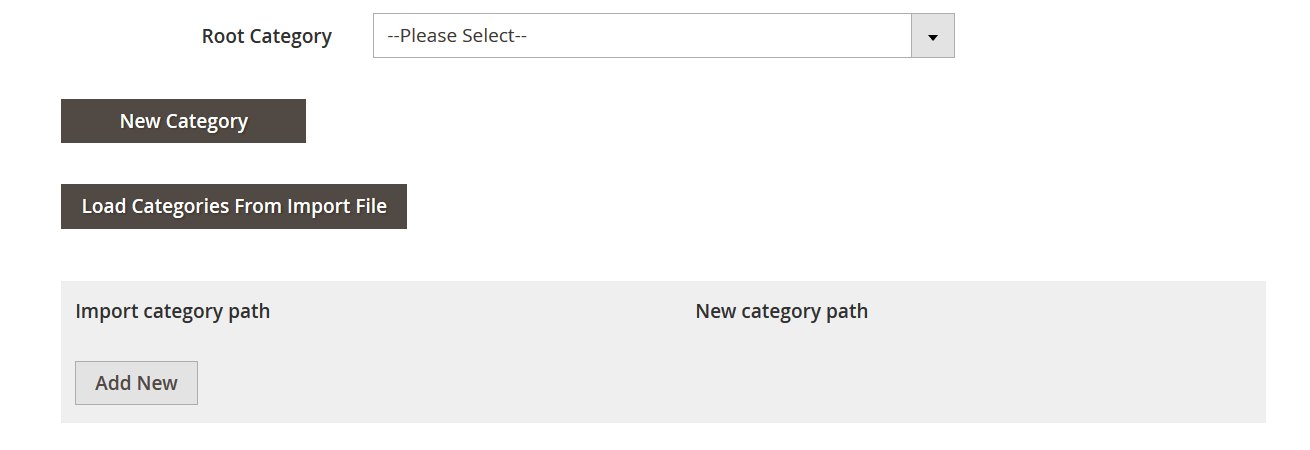
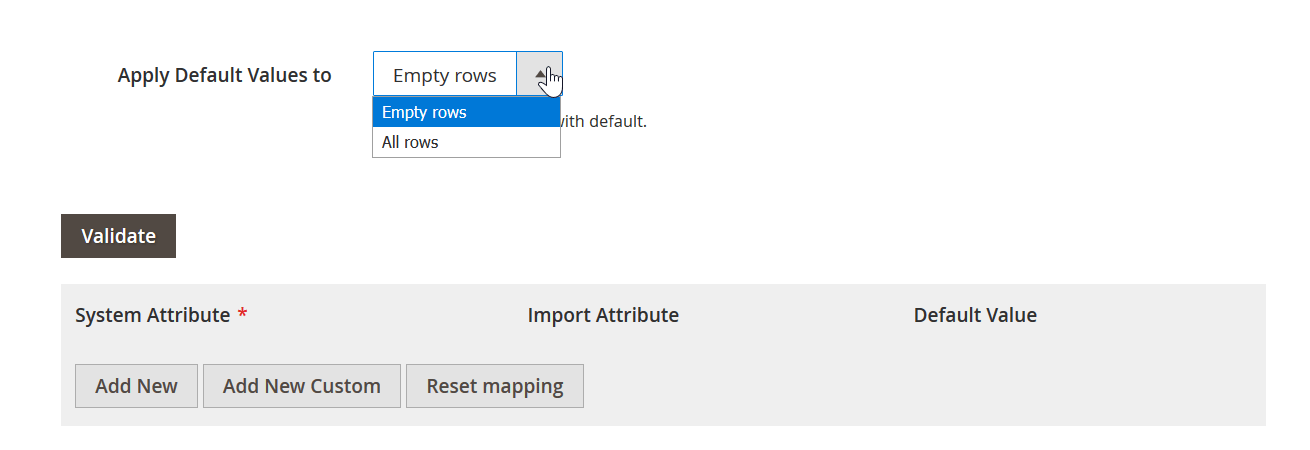
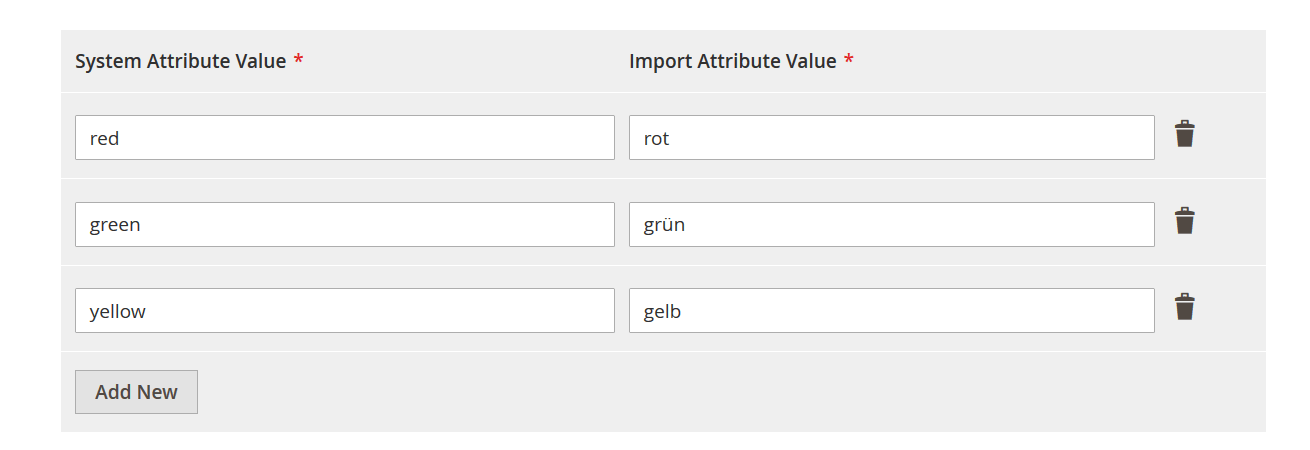
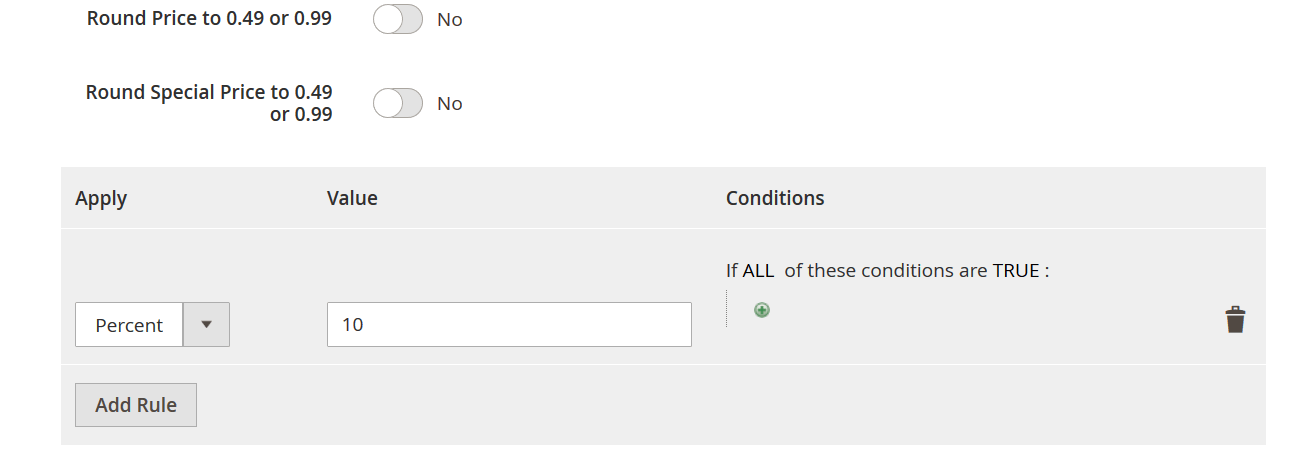
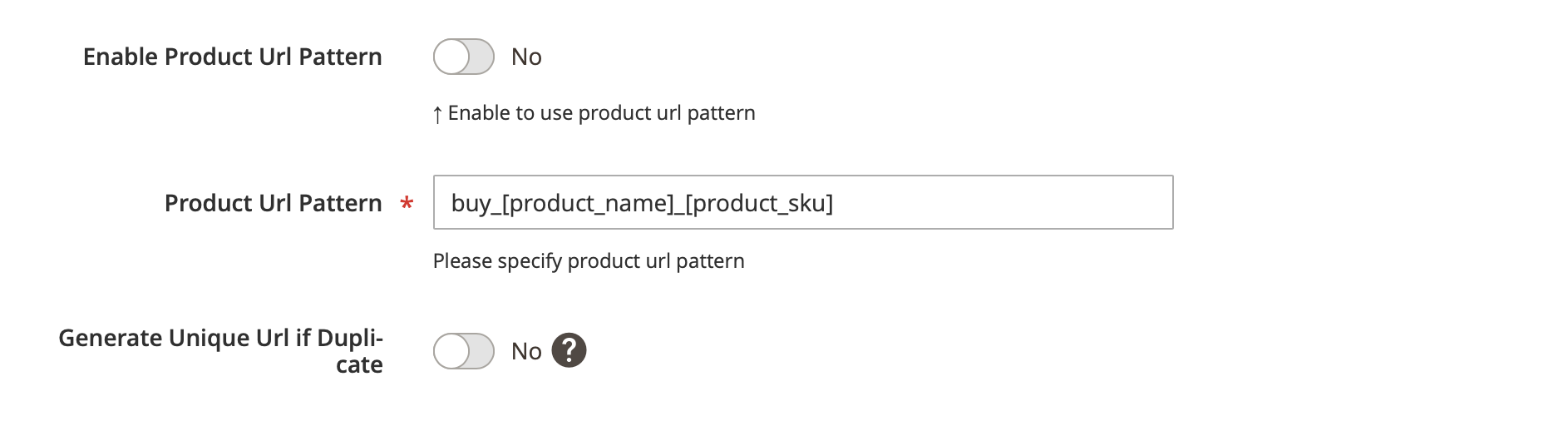
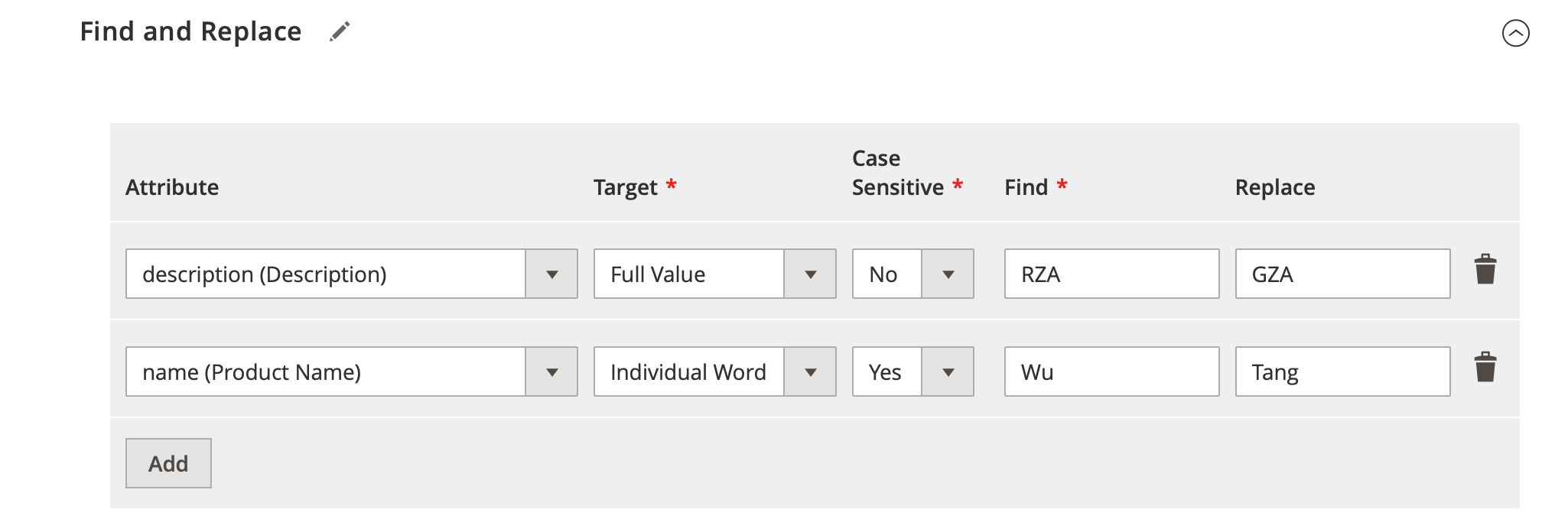
Advanced mapping is one of the core advantages of our Magento 2 data import tool. You can match third-party columns with Magento attributes, map attribute values, modify imported values, apply static values, configure separators, and transform external data without rebuilding source files manually. The Magento 2 import extension also supports category mapping, product price adjustments, find-and-replace rules, and automatic URL generation, helping you prepare supplier, ERP, PIM, marketplace, and other external data for Magento 2 import.
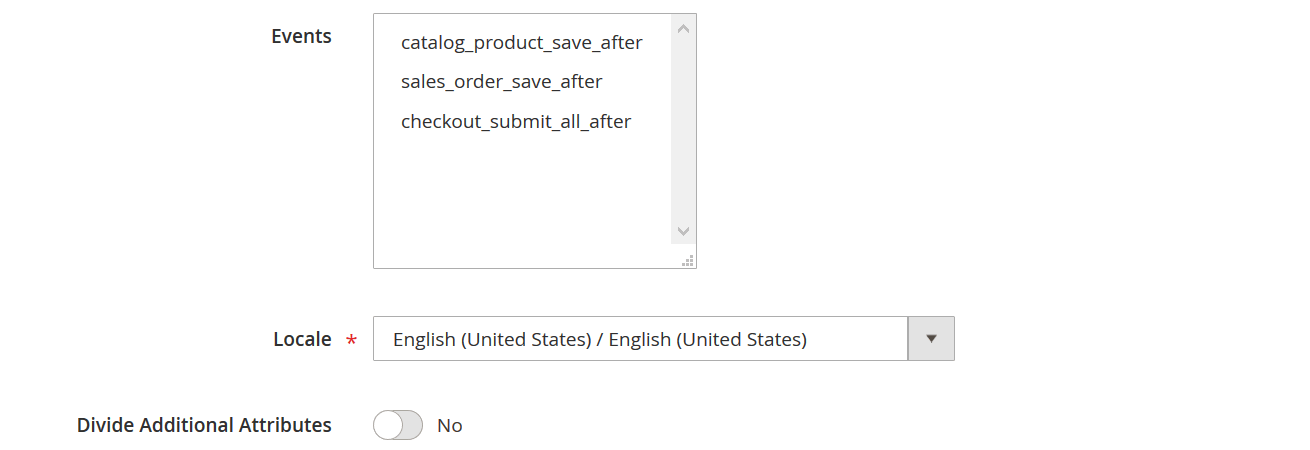
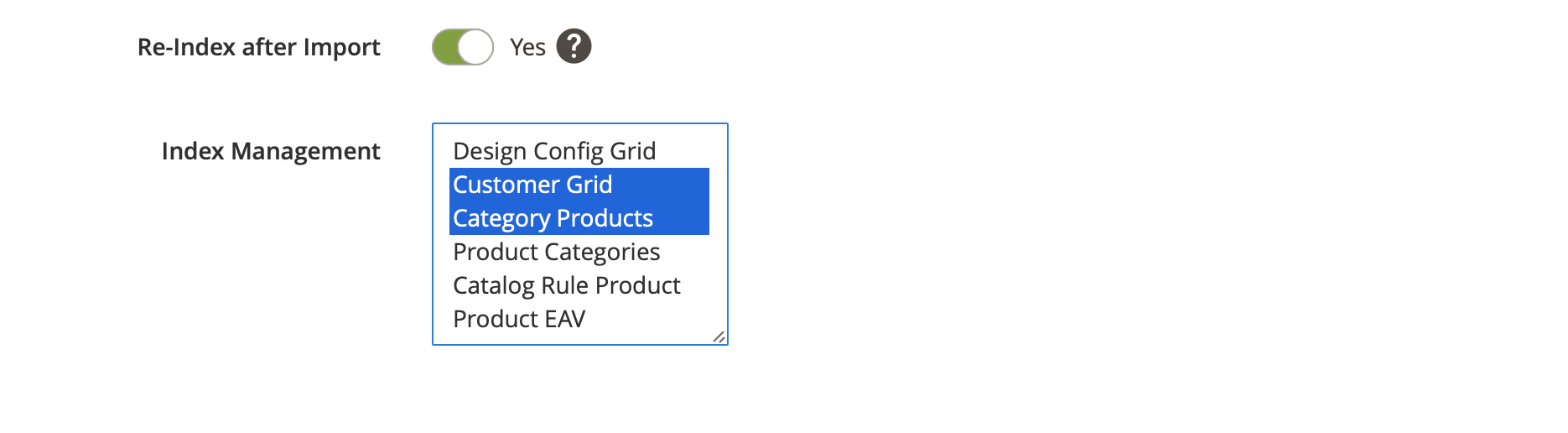
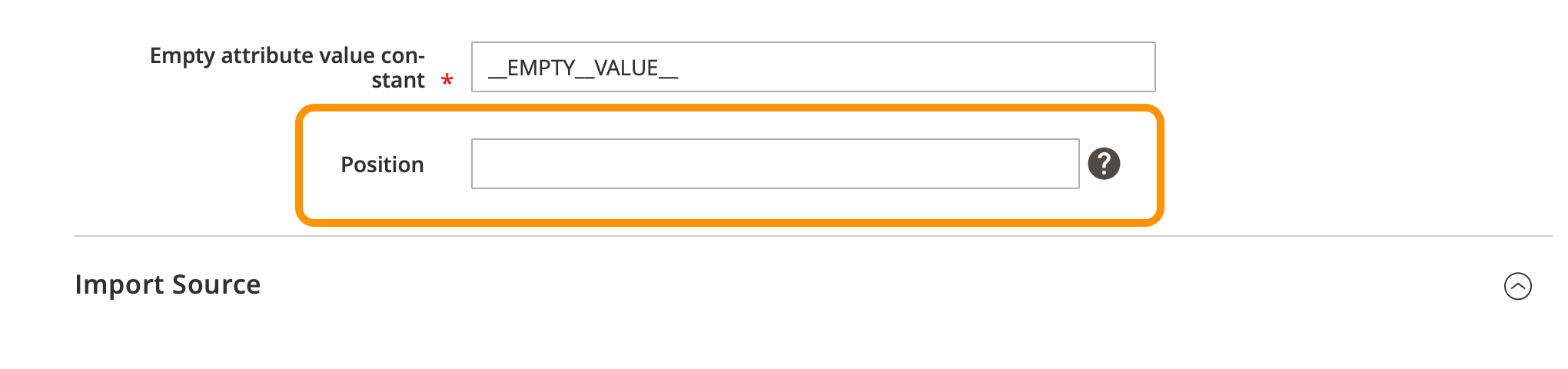
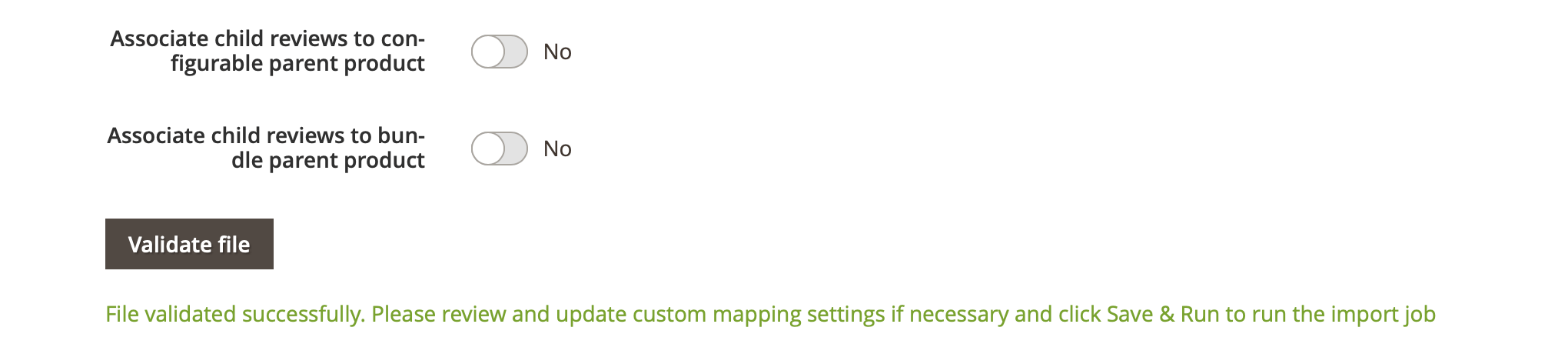
At the same time, Improved Import & Export adds automation and performance tools for recurring Magento 2 import and export operations. Real-time exports can be triggered by Magento events, while RabbitMQ or the Magento database queue can be used for product and image processing. Product import caching speeds up repeated updates by processing changed data, and additional options let you archive processed files, reindex only selected indexes, arrange import jobs in sequence, and assign child product reviews to configurable or bundle parent products.
Our Magento 2 and Adobe Commerce import and export extension offers high-performance data processing.
Reference server configuration: Intel(R) Xeon(R) CPU E3-1275 v5 @ 3.60GHz, 4-core CPU; 64 GB RAM; Crucial MX550 SSD x 2.
For Magento 2 and Adobe Commerce 2.4.9, the extension supports modern environments with MariaDB or MySQL and PHP 8.5.
| Behavior | Entity | Entity count | File size | Minutes | RAM usage | Ent/Min |
|---|---|---|---|---|---|---|
| Import | Products | 500,000 | 635 Mb | 200 | 3.6 Gb | 2500 |
| Import | Customers + one address | 500,000 | 164 Mb | 45 | 2.5.Gb | 11111 |
| Import | Customers + one address | 1,000,000 | 330 Mb | 117 | 6.18 Gb | 8547 |
| Export | Customers | 1,000,000 | 240 Mb | 6 | 3.72 Gb | 166667 |
| Export | Products | 500,000 | 710 Mb | 159 | 500 Mb | 3145 |
| Export | Addresses | 1,000,000 | 244 Mb | 13 | 5 Gb | 107692 |
Use an open-source Magento 2 import export extension developed by Adobe Certified specialists. Improved Import & Export is tested with Cypress and the Magento Testing Framework to deliver reliable performance and help reduce the need for custom development.
Extend your Magento toolset with a universal integration solution that connects your store with ERP, CRM, PIM, accounting, dropshipping, marketplaces, and other third-party systems through automated data exchange.
Reduce manual work with scheduled and automated mass updates from multiple data sources. The Magento 2 data import tool supports different file formats and flexible workflows for recurring product, customer, order, and other data transfers.
Use our migration services to transfer your database to Magento 2 or Adobe Commerce completely or partially. Move products, customers, orders, and other supported data while minimizing disruption to your existing storefront.
Take full advantage of Magento 2 Multi-Source Inventory by importing and exporting inventory data for multiple sources and warehouses. The MSI add-on extends the Magento 2 import export extension with advanced stock management capabilities.
Export Magento 2 product data for advertising and marketplace channels with automated product feeds. Generate feeds for platforms such as Google, eBay, Amazon, Facebook, and other external services using your catalog data.
Enhance the power of your Magento 2 import and export extension even more with the following add-ons:
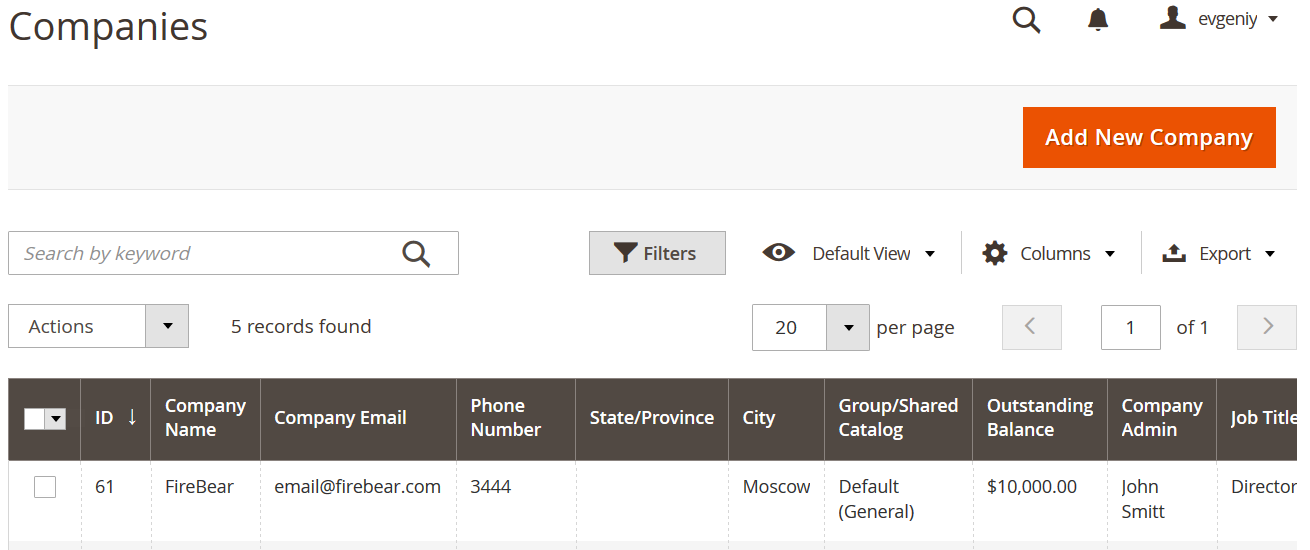
Import and export B2B data between Adobe Commerce stores and external systems with Improved Import & Export. The extension expands data management for the Magento 2 B2B extension and helps automate the transfer, migration, and synchronization of key Adobe Commerce B2B entities:
Improved Import and Export works well with multiple other modules and tools. We’ve identified the most popular extensions our customers use and made our module fully compatible with them. At the moment, Improved Import works well in combination with the following extensions:
Improved Import & Export goes far beyond basic data transfers. The Magento 2 import export extension can be used for catalog management, migrations, integrations, automation, and synchronization with external systems. Below are some of the most common use cases for this advanced Magento 2 data import tool:
Improved Import & Export is a Magento 2 import export extension designed for everyday data management. Use it for catalog updates, customer synchronization, order processing, migrations, integrations, and recurring import and export jobs. The goal is to provide a flexible Magento 2 data import tool that reduces manual work while giving merchants and developers greater control over Magento 2 data transfers.
Improved Import & Export by Firebear is a powerful Magento 2 product export extension designed to move catalog data beyond the limitations of the native Magento export functionality. Use it to automate Magento 2 product export, generate product files in multiple formats, apply filters and mapping, and deliver catalog data directly to external systems, cloud storage, marketplaces, and other destinations.
Whether you need to export Magento 2 products to CSV, synchronize catalog data with an ERP or PIM, migrate products between stores, or automate recurring product feeds, Improved Import & Export provides a flexible environment for managing product data at scale.
Improved Import & Export by Firebear extends native Adobe Commerce import and Adobe Commerce export capabilities with automation, advanced mapping, multiple file formats, flexible data sources, and support for complex ecommerce workflows. Use the extension to migrate, synchronize, update, and exchange Adobe Commerce data with ERP, CRM, PIM, marketplaces, cloud storage, and other external systems.
Whether you need to migrate an Adobe Commerce store, automate catalog updates, synchronize orders and customers, manage B2B data, or connect your ecommerce platform with enterprise software, Improved Import & Export provides a flexible solution for Adobe Commerce import and Adobe Commerce export.
Improved Import & Export by Firebear simplifies Magento 1 to Magento 2 catalog migration with flexible mapping, automated data processing, and support for multiple product types. Use the extension to Magento 2 import products from Magento 1 while preserving important catalog information such as SKUs, attributes, prices, categories, images, and product relationships.
If you need to Magento 2 import products from Magento 1, Improved Import & Export provides the mapping, automation, and data transformation tools required to make the migration more manageable. It can also support broader Magento 1 to Magento 2 migration workflows involving customers, orders, categories, and other supported entities.
At FireBear, we work in close cooperation with leading Magento-oriented development agencies on implementing client requests and requirements. From our experience, imports, exports, and 3rd-party system integrations are the most time-consuming part of every Magento 2 project.
Our Magento importer is the most feature-rich Magento 2 extension for integration purposes. With the help of this solution and the FireBear support team, you can minimize the time and effort associated with Magento 2 integrations and data transfers, providing your clients with an effective import and export solution.
We offer special bulk discounts and other benefits to our partners. Contact us for more information and partner benefits.
Learn More About Partner Program
Benefits of using Improved Import and Export extension for Magento 2 and Adobe Commerce:
As you can see, the Improved Import & Export Magento 2 extension is a comprehensive tool that can help you cut down the project development time and help leave the store owner with a full-featured backend solution one can use without coding knowledge.
For more information on the use cases and additional features, consult FireBear Studio support team by submitting a ticket or via chat.
We continuously improve our Magento 2 import export extension based on merchant requirements, community feedback, and new integration scenarios. The roadmap below highlights features we are currently exploring and developing for Improved Import & Export. After purchasing the extension, you receive six months of free upgrades, so you can start using the available functionality now and access eligible new features and improvements released during your upgrade period.
Vote for upcoming features, suggest new capabilities, and help us improve the Magento 2 import export extension according to real ecommerce requirements.
Looking for a specific Magento 2 import feature, custom data transformation, or integration with an external system? Contact us to discuss your business requirements and find the right Magento 2 import, export, migration, or integration solution.
Improved Import & Export is an open-code Magento 2 import export extension for transferring and managing store data. It supports automated import and export jobs, mapping, multiple file formats and sources, and integrations with ERP, CRM, PIM, and other external systems.
Improved Import & Export supports products, attributes, categories, customers, orders, CMS pages and blocks, URL rewrites, reviews, newsletters, price rules, gift cards, search terms, widgets, MSI data, and Adobe Commerce B2B entities such as companies, shared catalogs, and quotes.
The extension supports direct file uploads, FTP/SFTP, URLs, Google Sheets, Google Drive, OneDrive, Dropbox, and REST and SOAP APIs. This lets you automate Magento 2 data exchange with local files, cloud storage, and third-party systems.
Improved Import & Export supports CSV, XML, XLSX, ODS, and JSON files. Supported files can also be transferred in ZIP and TAR archives, giving you more flexibility for large or automated Magento 2 import and export jobs.
Improved Import & Export uses configurable import and export jobs. You select an entity, source, file format, and behavior, then configure options such as mapping, filters, schedules, and automation before running the job manually, by cron, or through supported system events.
Create an import job in Improved Import & Export, select Products as the entity, choose your file format and source, configure mapping and import behavior, and run the job. You can also schedule recurring product updates and import data from external systems. See our Complete Guide to Magento 2 Product Import and Export.
Add image paths or URLs to the appropriate product image columns in your import file and run a product import job. Improved Import & Export can also transfer Magento 2 product images from external URLs, FTP, Google Drive, Google Sheets, APIs, and other supported sources.
Create a new import job, select the required Magento 2 entity, choose XML as the file format, and configure the source and mapping. Improved Import & Export also supports XSLT, which lets you transform third-party XML structures into a format suitable for Magento 2 import.
Use Improved Import & Export to create an import job with Orders selected as the entity. Configure the source, file format, mapping, and import behavior, then transfer order data together with supported related information. See our Magento 2 order import and export guide.
Create an import job, select Customers as the entity, upload or connect your customer data source, configure mapping, and start the import. Improved Import & Export supports customer and address data and can automate recurring customer synchronization. See our Guide to Magento 2 Customer Import.
Improved Import & Export lets you map third-party attribute values to existing Magento 2 values, add default values, replace text, populate empty fields, and clear optional values when required. You can also import attributes and attribute sets as separate entities. See our Magento 2 Mass Update Attribute Guide.
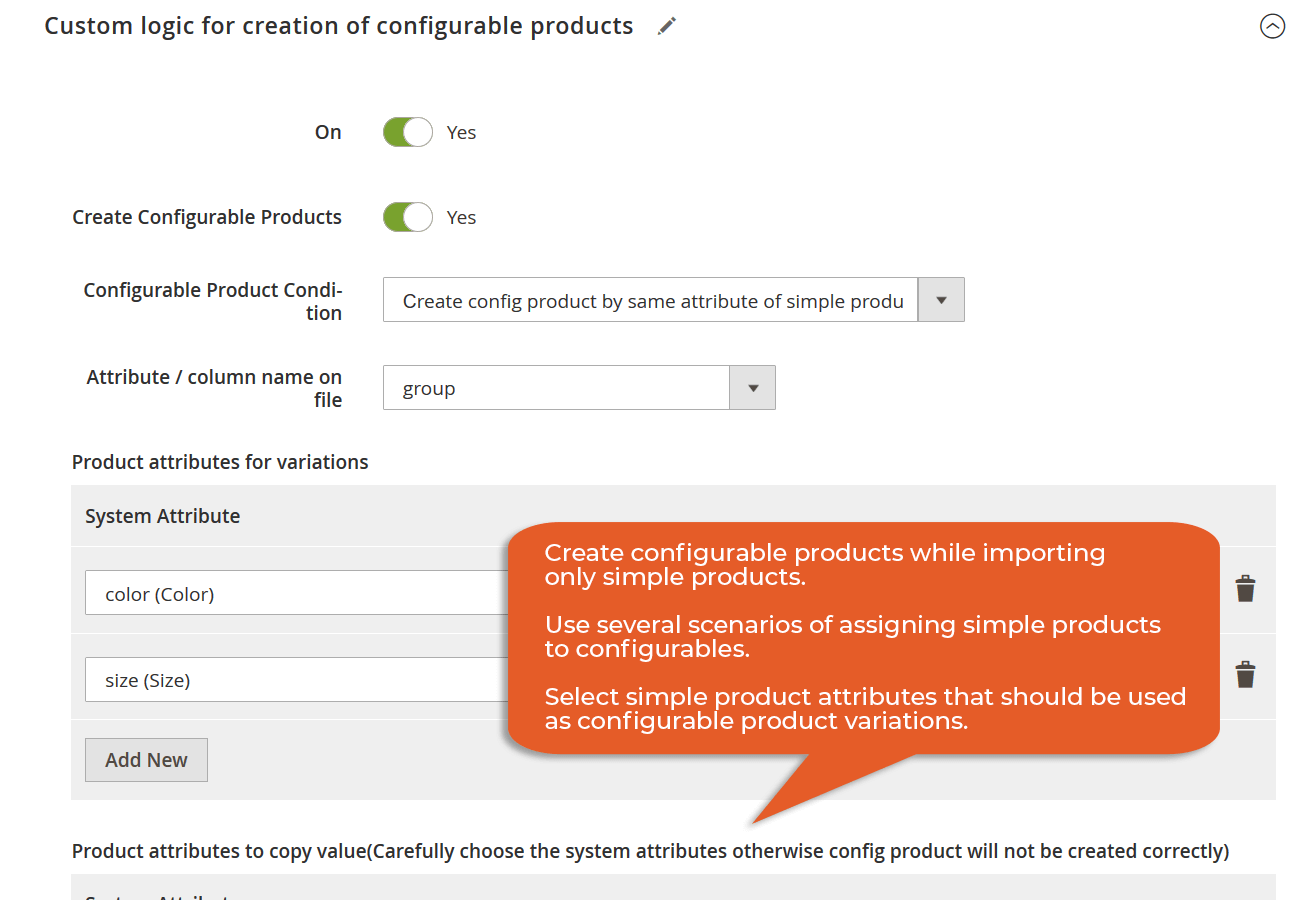
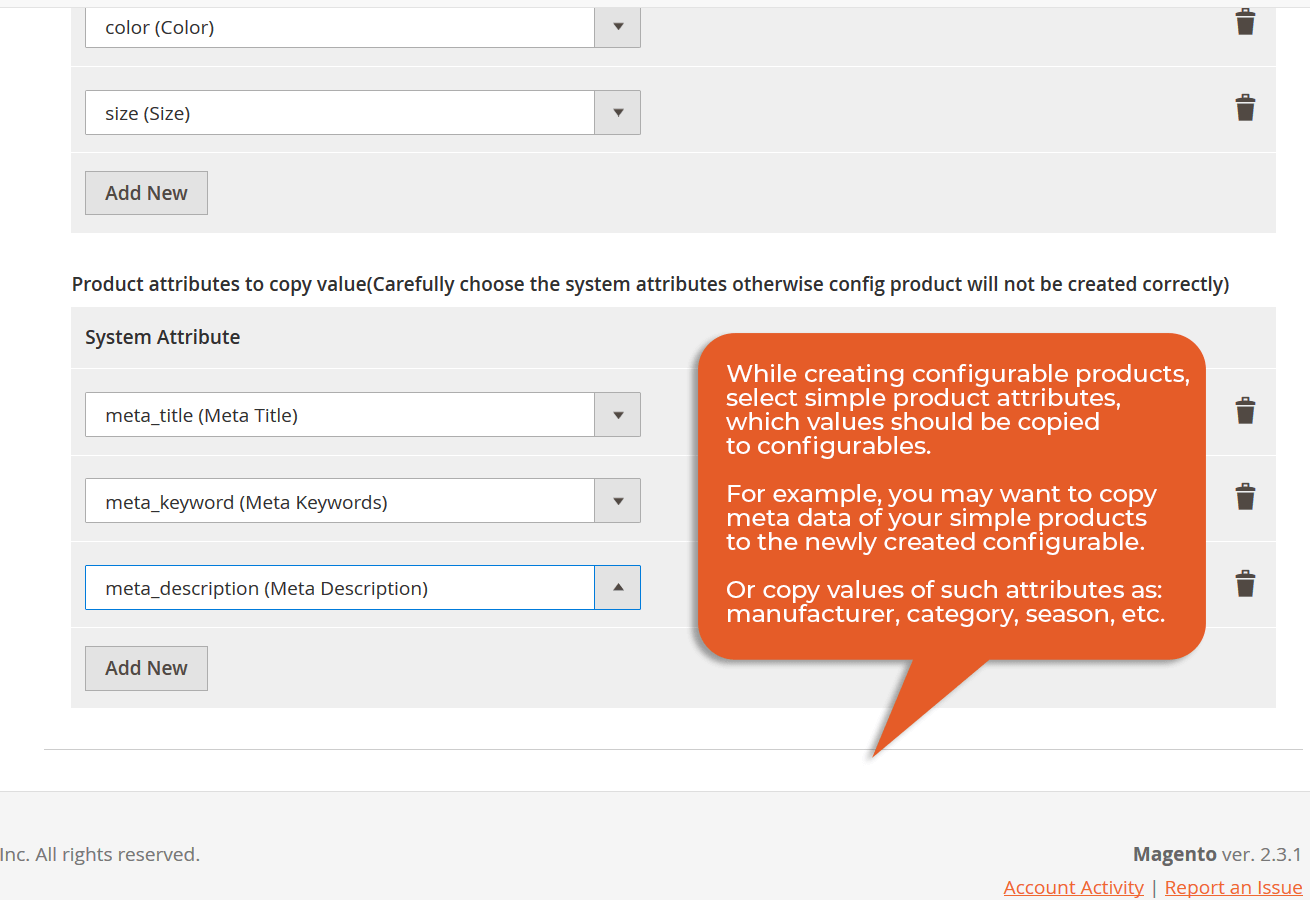
Improved Import & Export can create configurable products during import. Prepare the parent and child product data with the required SKUs and configurable attributes, then import the file so the extension can build the corresponding product relationships automatically.
With Improved Import & Export, you can import attributes, attribute values, attribute sets, and attribute groups as standalone Magento 2 entities. Create an import job, select the appropriate attribute entity, configure mapping and other settings, and run the import. See How to Import Magento 2 Product Attributes.
Export your catalog from Magento 1, prepare the resulting data, and import it into Magento 2 with Improved Import & Export. The extension provides Magento 1 migration presets that help map legacy data to the Magento 2 structure. For complex migrations, contact our support team.
Improved Import & Export provides CLI commands for running and managing Magento 2 data transfers without using the Admin interface. You can use them to launch product catalog exports and automate server-side workflows. See How to Export Products from Magento 2 via CLI.
Create an export job in Improved Import & Export, select Categories as the entity, configure the required source and filtering options, and run the export. The extension also supports category mapping during import, helping you adapt external category trees to your Magento 2 structure. See Magento Export: Categories.
Yes. Improved Import & Export supports Adobe Commerce on-premises and Adobe Commerce on Cloud Infrastructure (PaaS), along with Magento Open Source. It can transfer standard Magento entities and, with the B2B Add-on, Adobe Commerce B2B data such as companies, shared catalogs, requisition lists, and quotes.
No. Improved Import & Export cannot be installed directly on Adobe Commerce as a Cloud Service (ACCS) because ACCS uses a SaaS architecture with API-based extensibility instead of traditional PHP modules. Contact us if you need an ACCS migration or custom data integration.
Yes. Improved Import & Export supports Mage-OS 3.x and provides the same core import and export capabilities for products, customers, orders, categories, inventory, and other supported entities. Check your exact extension and Mage-OS versions before upgrading a production store.
Magento Open Source 2.4.9 and Adobe Commerce 2.4.9 are supported. Check the latest Improved Import & Export release notes before upgrading to confirm compatibility with your exact Magento or Adobe Commerce version.

Best solutions from trusted vendors to skyrocket your business!

This is a Business-to-Business (B2B) add-on of the Improved Import and Export extension for Magento 2. The add-on processes the entities implemented into Magento 2 Commerce and Cloud with the native B2B extension and is based on the Improved Import & Export functionality. The B2B add-on embodies the idea of seamless import and export of the following entities:

The successor of Simple Configurable Products and the most valuable Magento 2 Configurable Product extension. Use configurable products to full potential, take advantage of B2B bulk ordering, with dynamic attribute changes, improved SEO, and advertising options.

The SAP Business One & Magento 2 Integration connector allows transferring data between the SAP software and Magento 2, both ways. The integration syncs products, customers, B2B entities, and orders via direct connection and helps to organize a well-structured circle of sales management for the business processes of any complexity.